


 Startups
  Creative agencies
  Onchain teams
  European businesses
  AI
AI  Software
Invoicing software for businesses moving fast.
Invoicing software for businesses, built into your Altitude account. Create and send invoices, let customers pay by bank transfer or stablecoin, and track every invoice until it is paid.


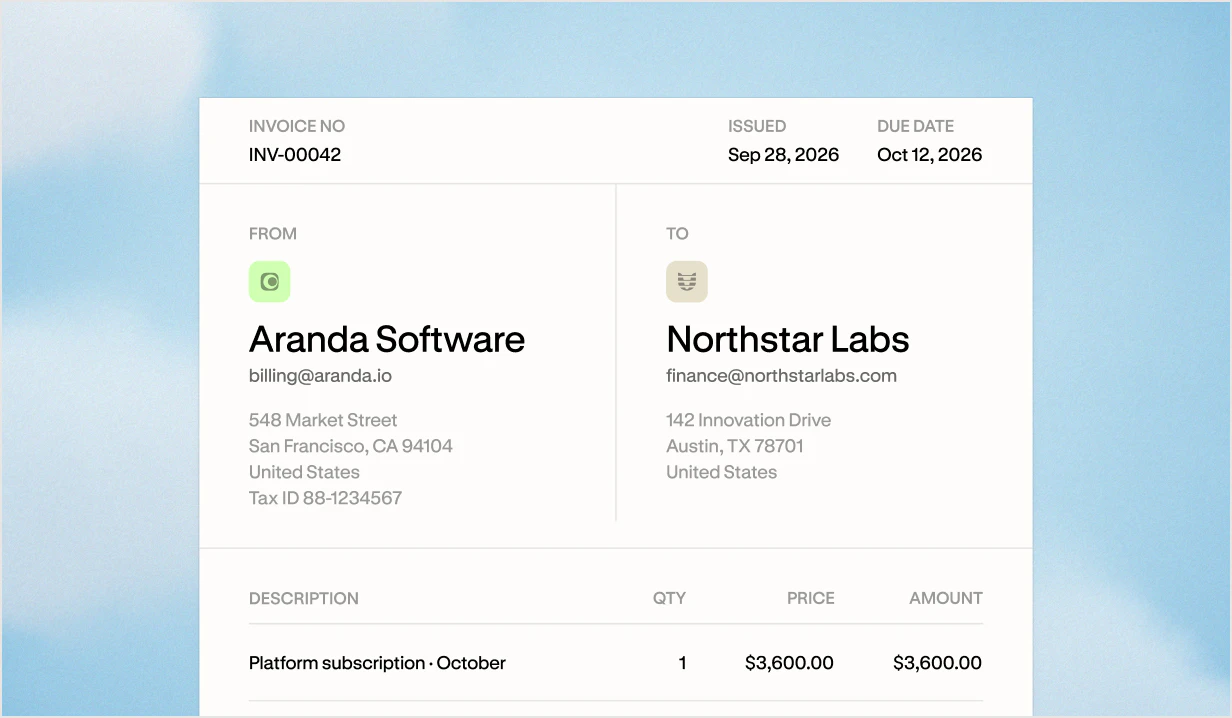
Create and send customer invoices that look like your business.
- Every invoice carries your logo, verified business name, and contact email, plus your customer’s billing details and tax ID.
- Add line items, a note, and a tax rate you can label as VAT, GST, or sales tax. Set payment terms from due on receipt to net 30, or pick a specific due date.
- Preview the invoice, save it as a draft, or email it as a PDF to your customer.
Make it easier to get paid on time.
- Every invoice prints your payment details, so customers can pay without a separate handoff.
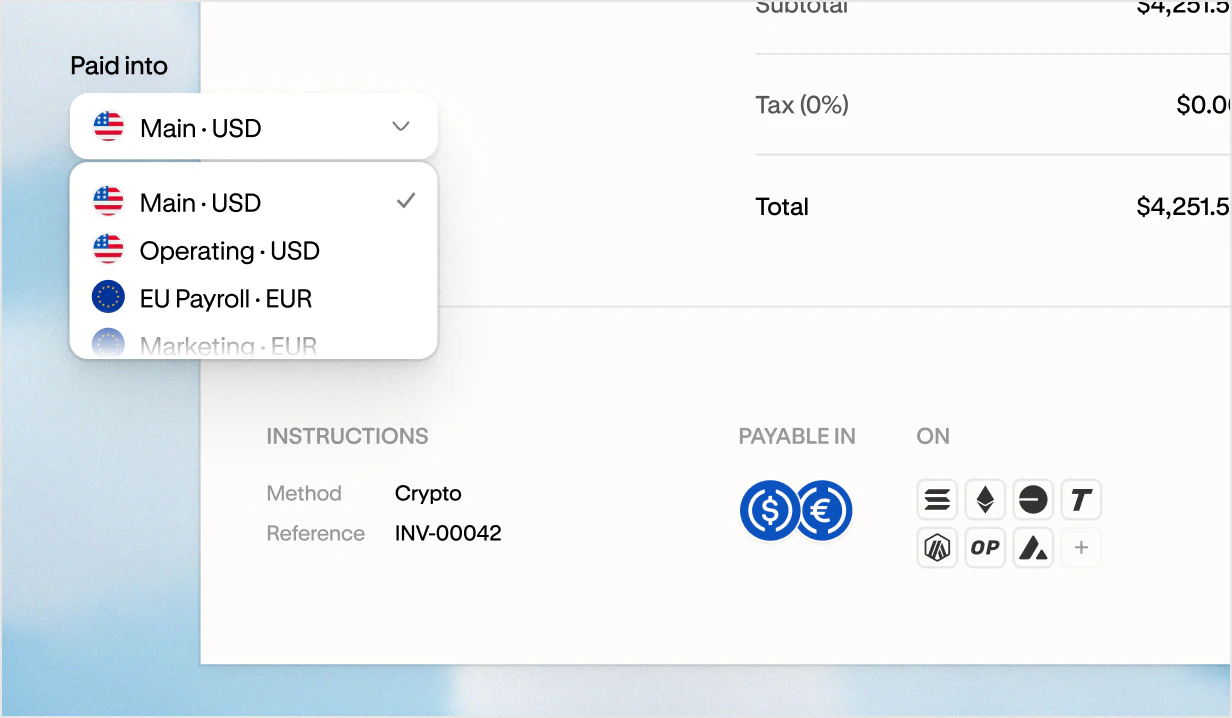
- USD invoices can be paid by ACH, wire, or USDC. EUR invoices can be paid by SEPA or EURC.
- Invoice payments land straight in your Altitude account, and your team can get an email when a deposit arrives.
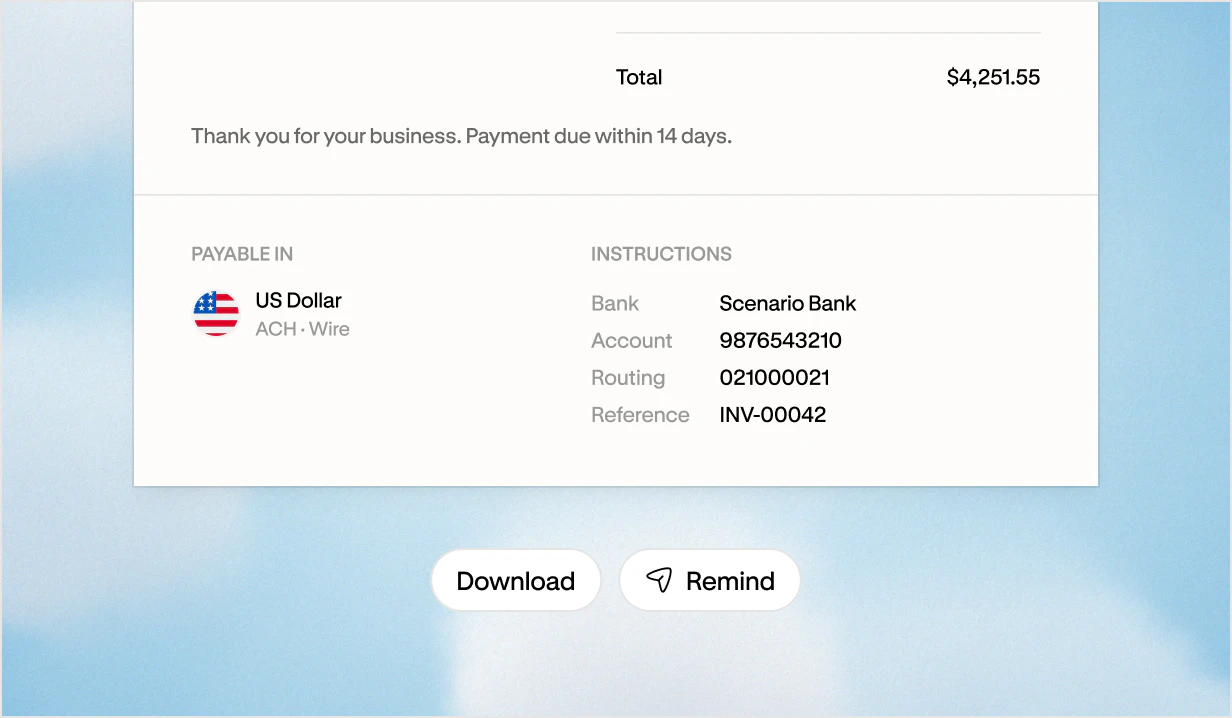
Stablecoin invoicing in the same account as your bank payments.
- Customers who pay in stablecoins can settle a USD invoice in USDC or a EUR invoice in EURC.
- Your customer pays to the exact network and details printed on the invoice.
- Customers do not need an Altitude account to pay.
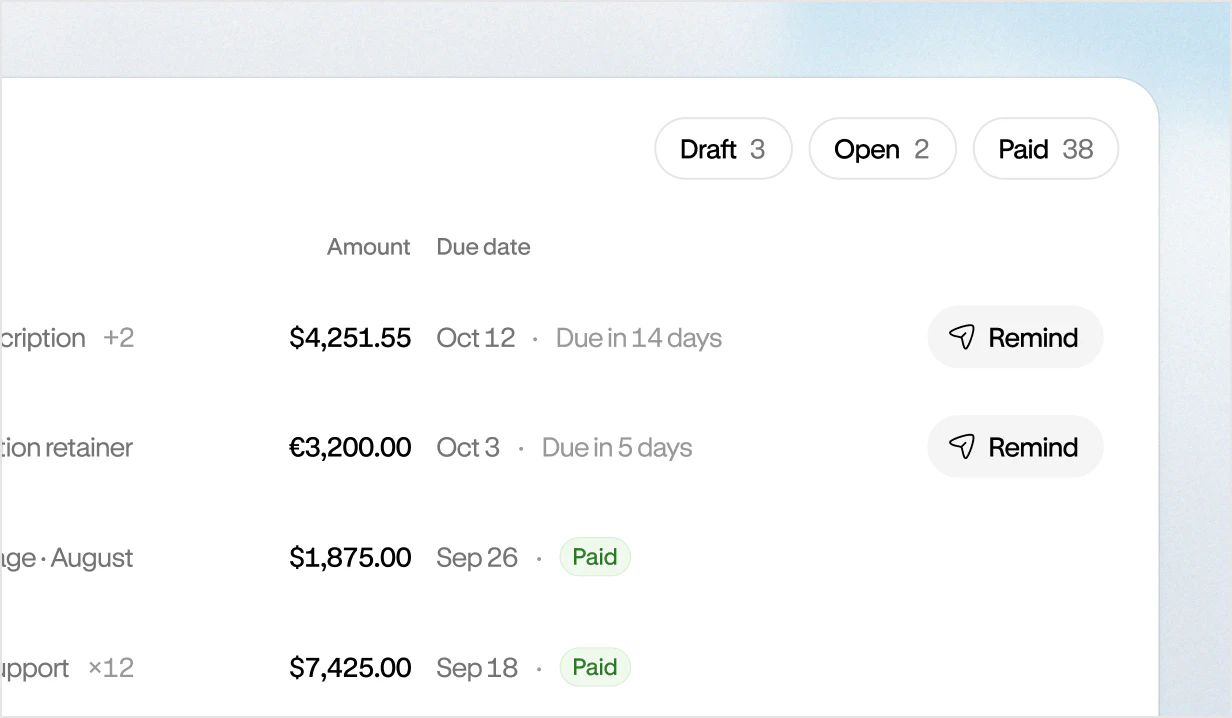
Invoice tracking that shows what’s owed and what’s paid.
- See every invoice as Draft, Open, Paid, or Void, with a count on each tab and an Overdue badge on open invoices past their due date.
- Search by customer or invoice number, and filter by customer, amount, or date.
- Each customer record shows what they have paid, what is still outstanding, and when they last paid.
Invoicing software for every step between sending and getting paid.
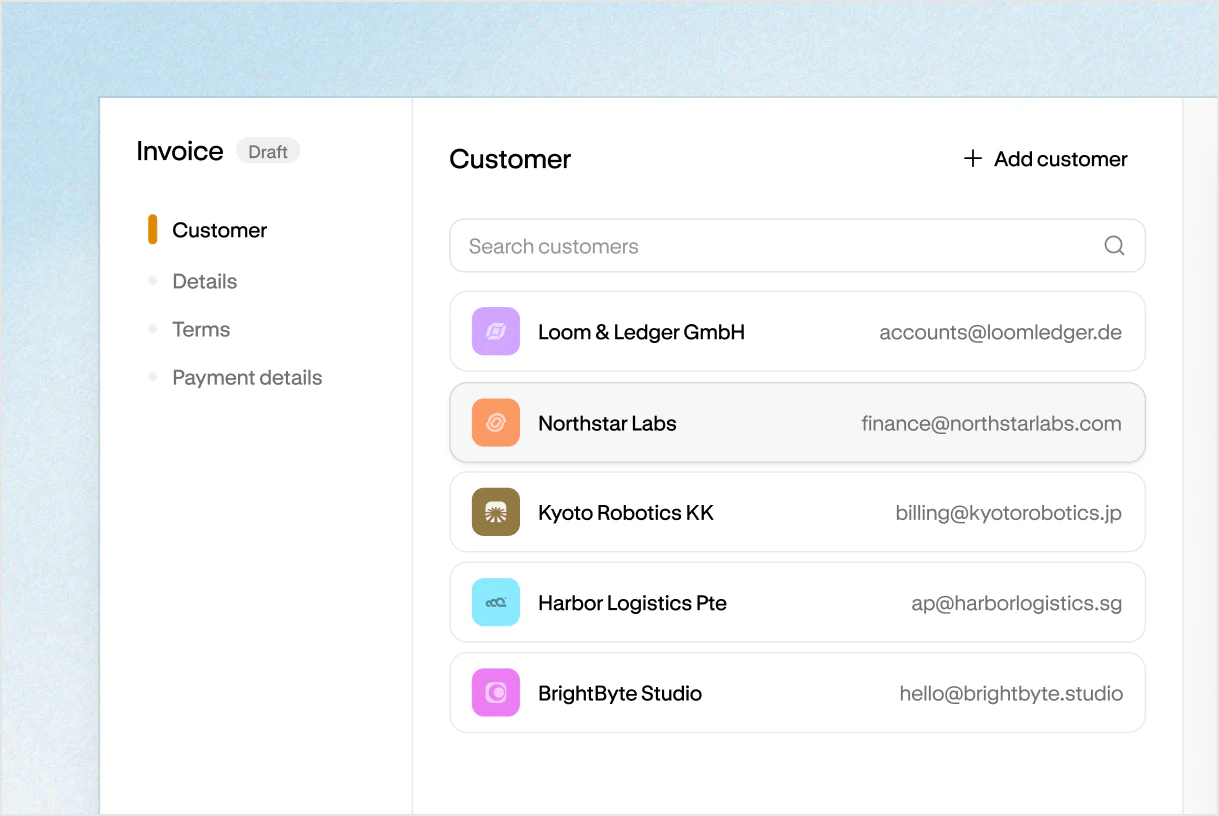
Saved customers
Save a customer once with their billing email, address, and tax ID. Start the next invoice from their record.
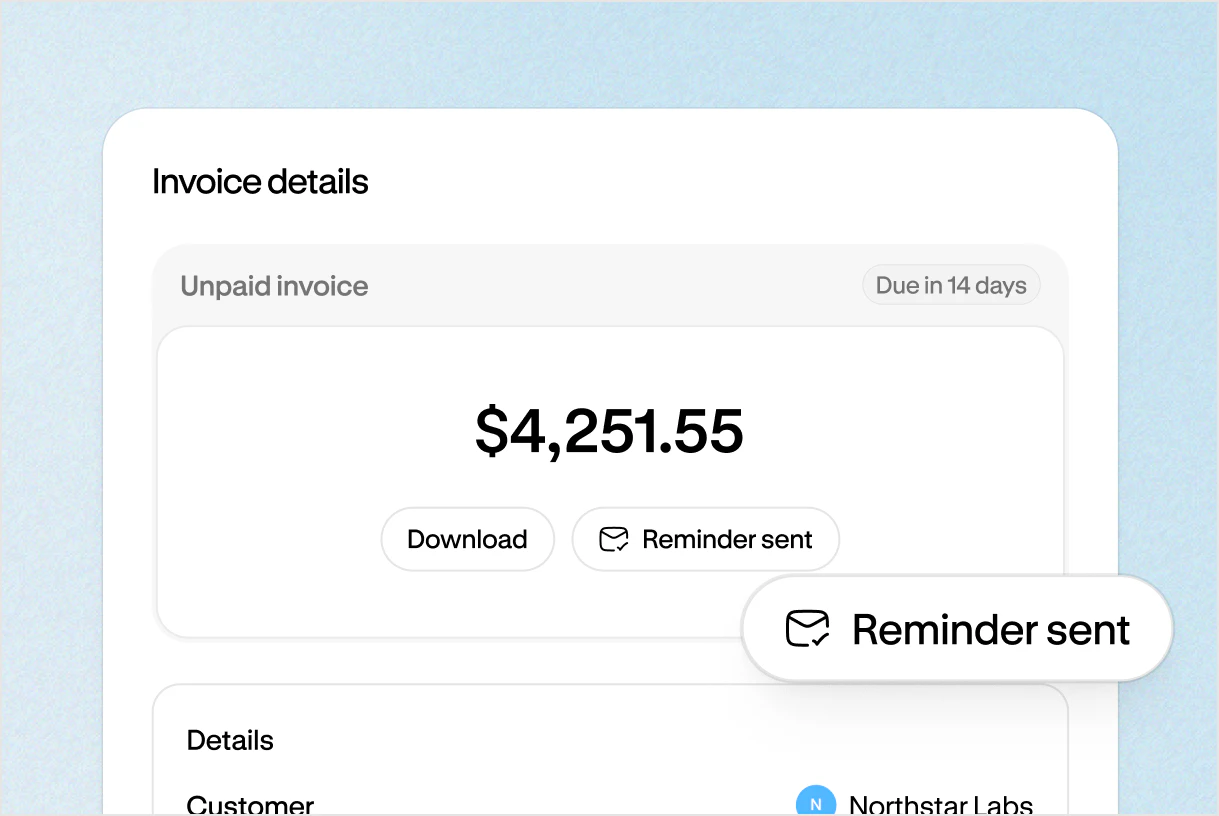
Payment reminders
Send a reminder from any open invoice, and Altitude emails your customer the invoice PDF again.
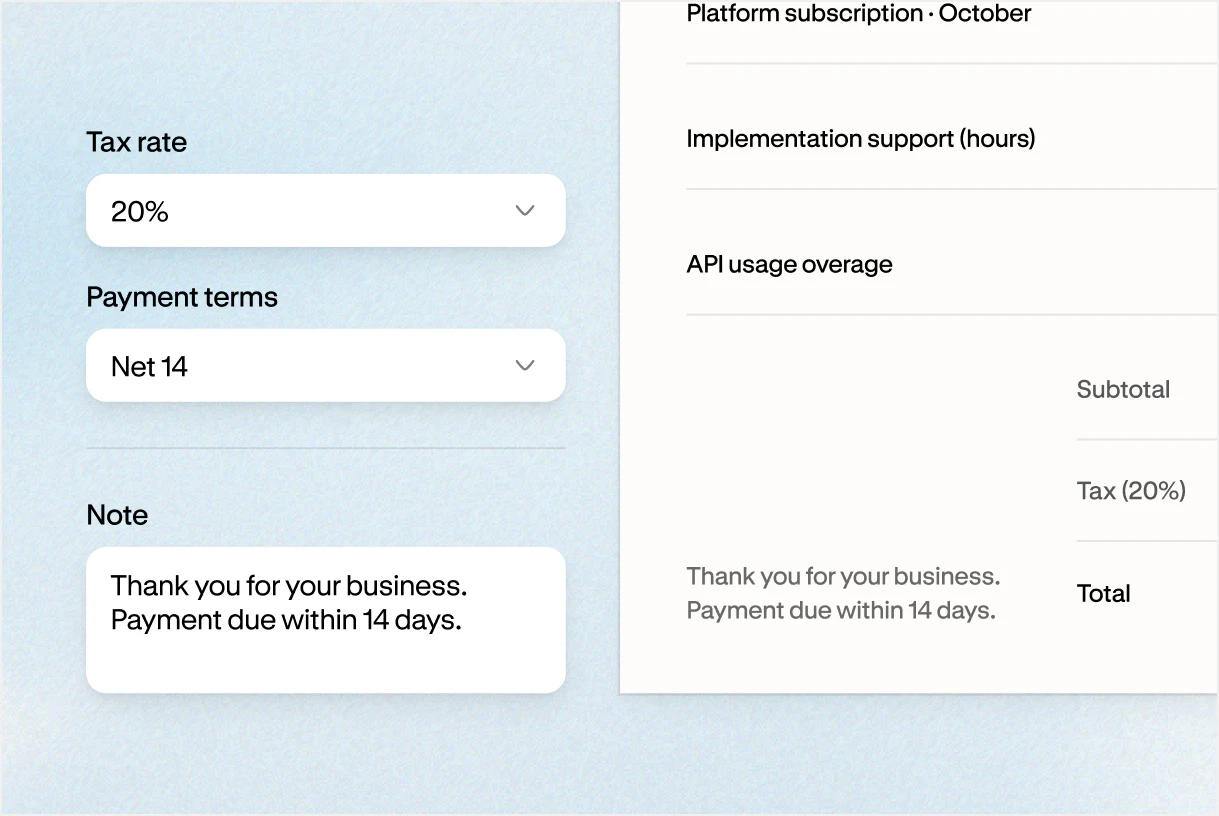
Tax and terms
Add a tax rate, set payment terms, and leave a note for your customer.
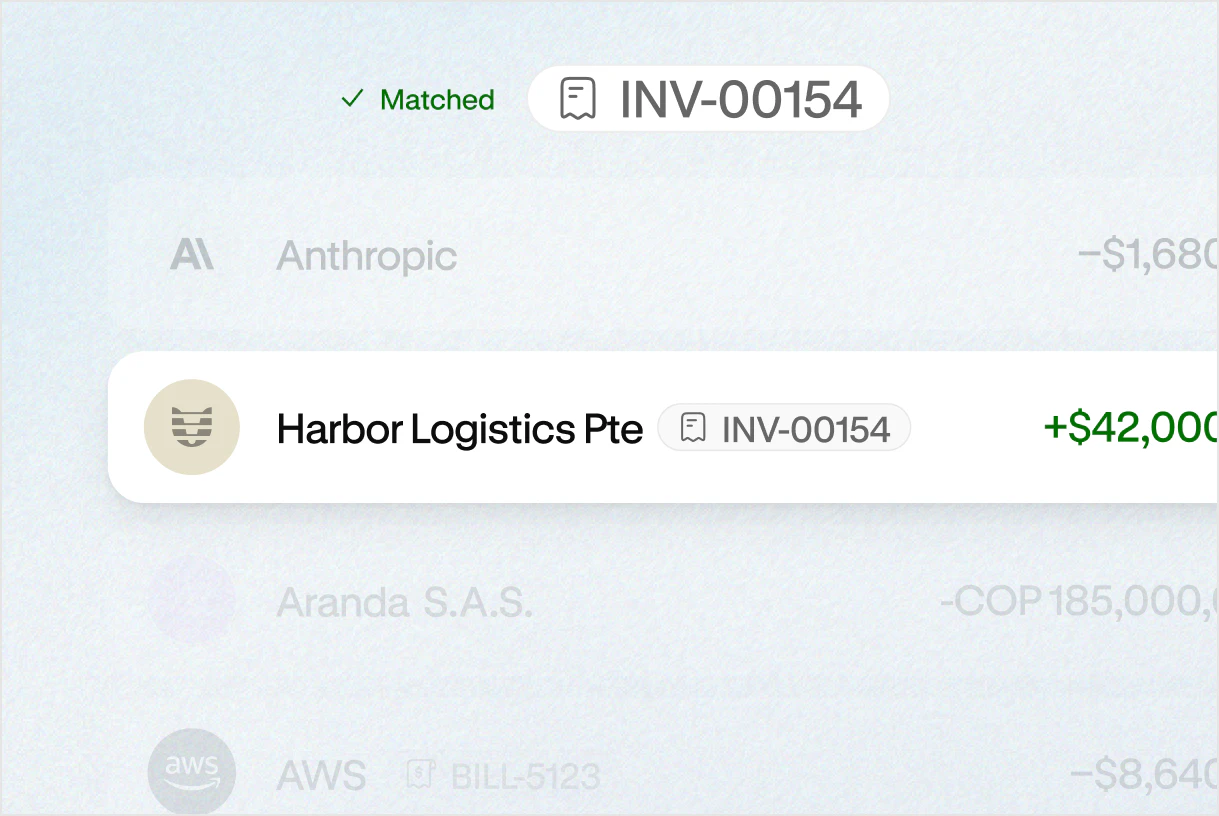
Payment matching
Connect incoming payments to the right invoices and spend less time reconciling.
One account for invoicing and everything around it.
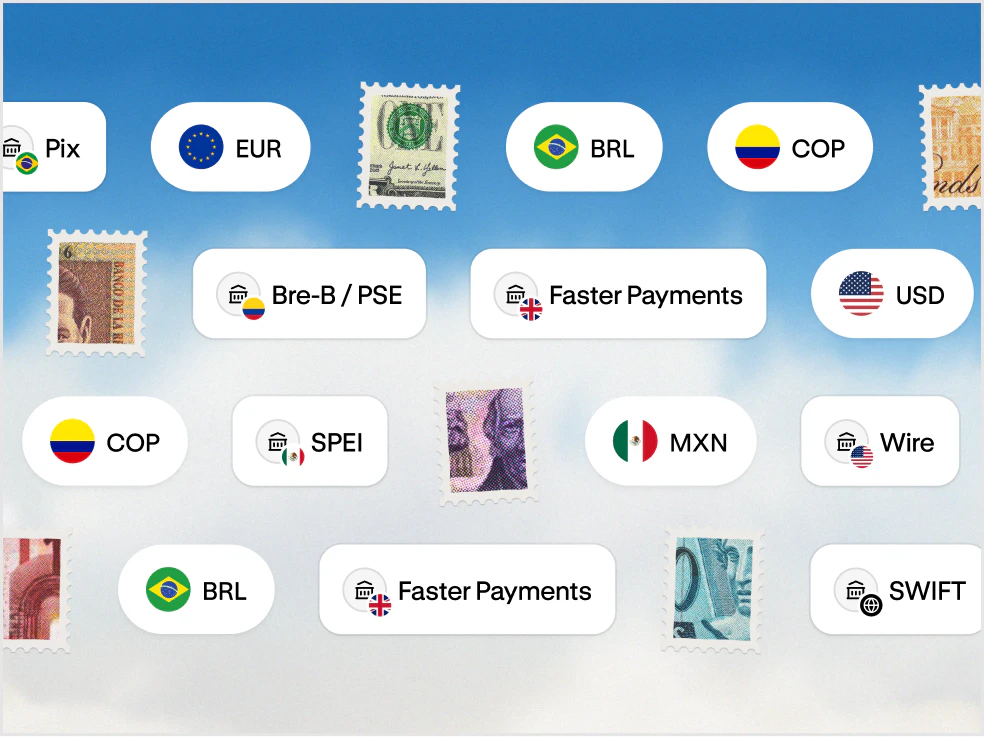
- Payments Better way to pay across borders. Send through local networks, SWIFT, and stablecoin rails.
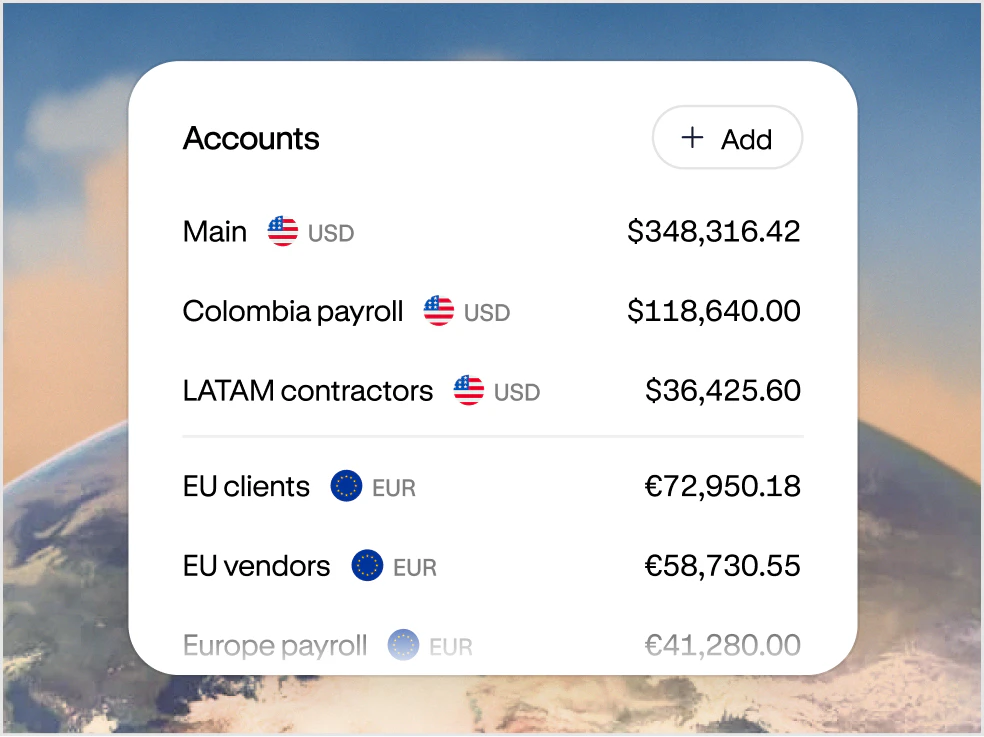
- Accounts Your USD and EUR account for doing business everywhere. Get paid, hold funds, and move money globally from one account.
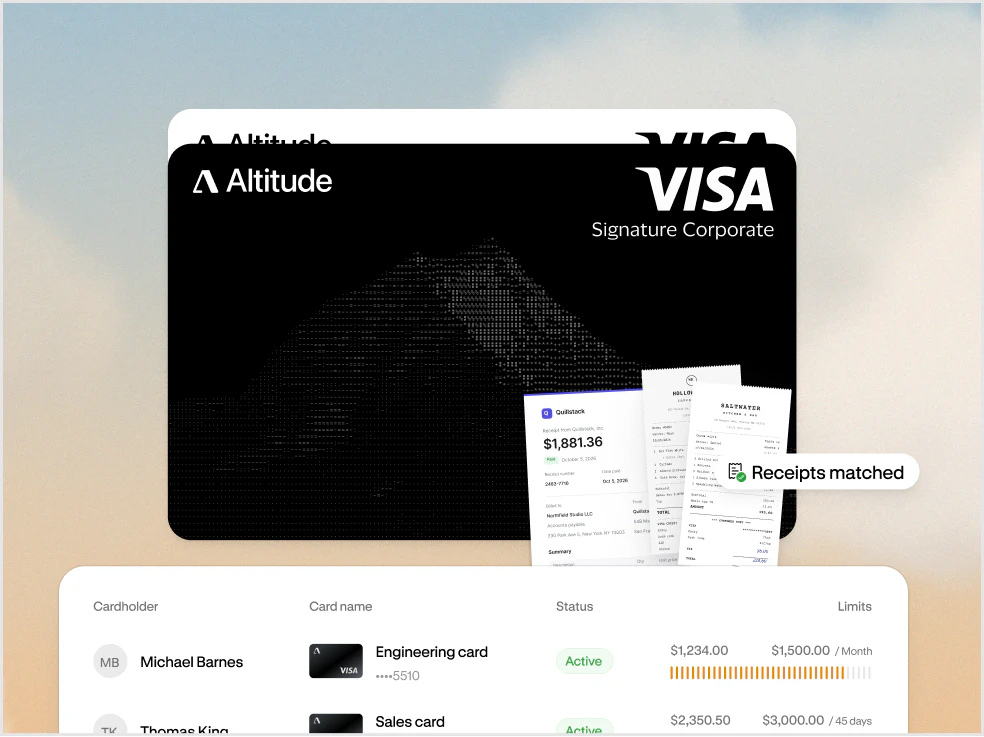
- Cards and spend management Spend everywhere with Altitude Card. Issue unlimited virtual cards with built-in spend controls.
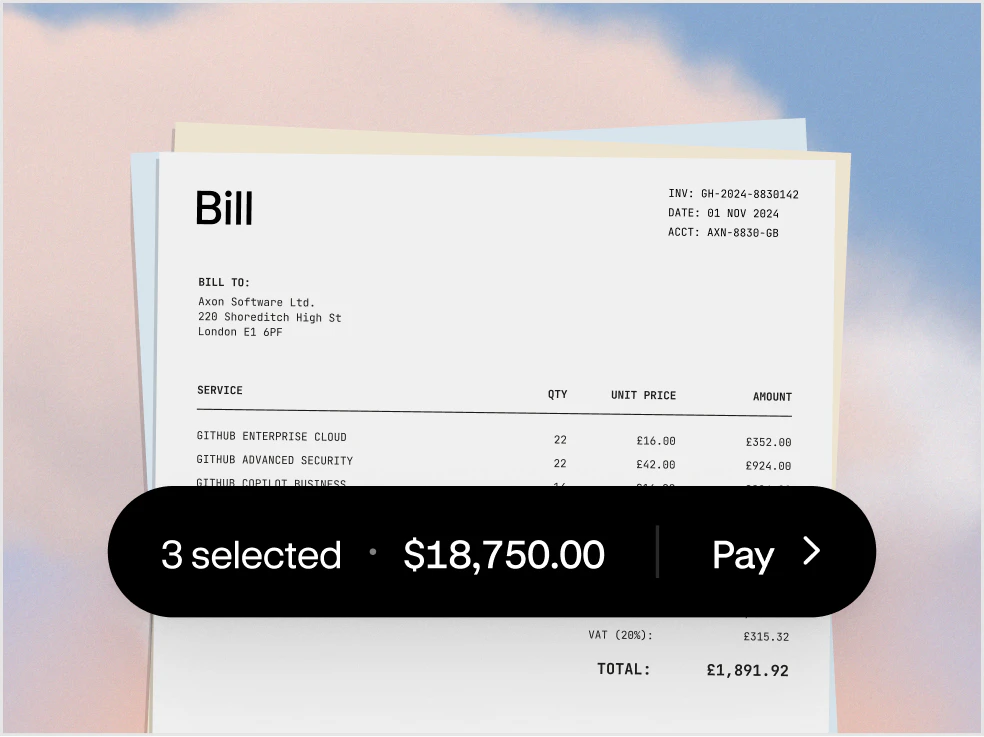
- Bill pay Pay bills without the back and forth. Manage approvals and pay vendors in one flow.
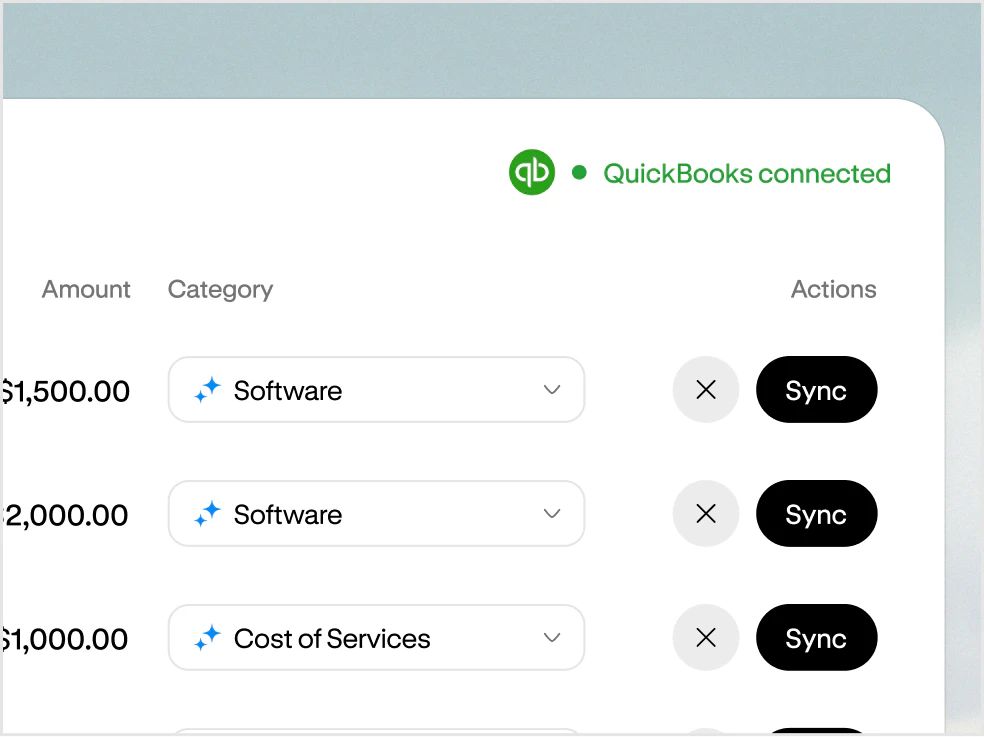
- Accounting Close your books without the manual work. Capture receipts and sync transactions automatically.
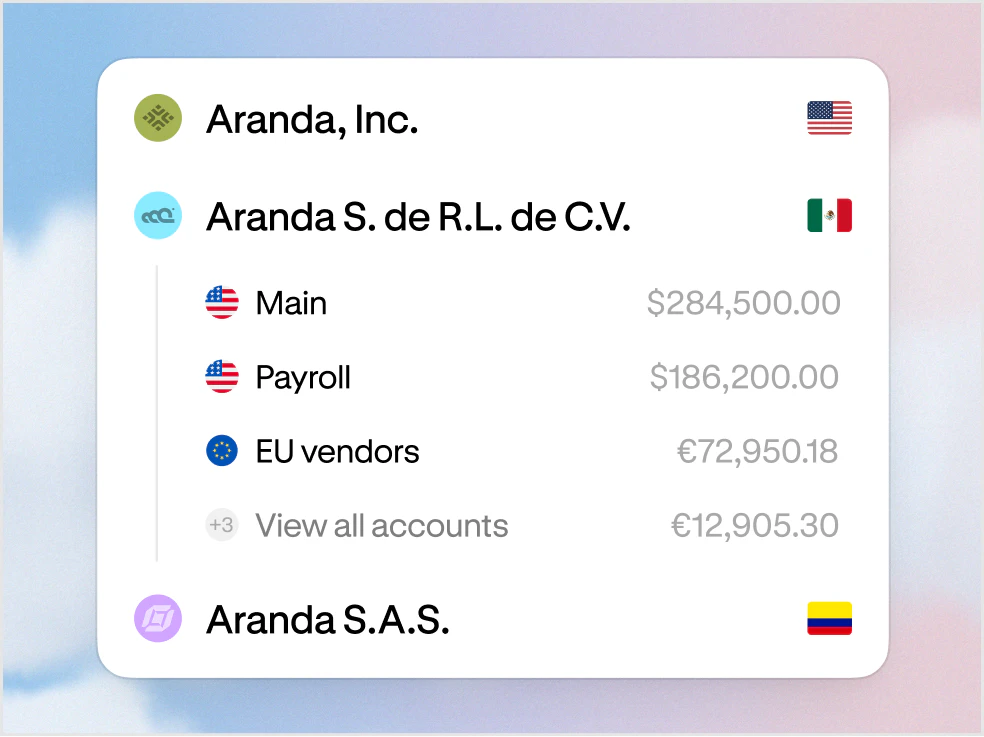
- Multi-entity One workspace for every entity. Manage your businesses and move money between them.
Add your logo and business details, plus the information your customer needs to process and pay the invoice.
Yes. Create recurring invoices for work you bill on a regular schedule.
View invoice statuses in Altitude to see what’s been sent, what’s overdue, and what’s been paid.
Yes. Use payment reminders to follow up on outstanding invoices.
Altitude brings invoices and incoming payments into the same financial workspace, with accounting integrations to help keep your books current.