Payments
Make international business payments.
Spend less on FX fees.
Send business payments worldwide over local rails, bank transfers, or stablecoins. Convert at live rates and see the fees before you pay. SWIFT is there when a payment needs it.












Multiple cross-border rails, one account
Bank transfers by ACH, wire, SEPA, and SWIFT. Local payments by SPEI in Mexico, Pix in Brazil, Bre-B in Colombia, and Faster Payments in the UK. Stablecoin payments in the same place.
Send instant stablecoin payments
Across Solana, Ethereum, Base, Tempo, Avalanche, Arbitrum, and Optimism.
See the FX rate and fee before you pay
Convert at live rates with a low, transparent fee. See the exact amount your recipient will receive before you send.
More control over every payment
Manage batch payments, multi-party approvals, and payment records without adding another tool.
Pay in pounds, euros, pesos, and reais from your USD balance.
Cross-border payments through SWIFT pass through correspondent banks, taking days and costing more. With Altitude you can pay via local rails, cutting settlement time and saving on transfer fees.
Altitude pays via SEPA in  Europe, Faster Payments in the
 UK, SPEI in
 Mexico, Pix in
 Brazil, Bre-B and Bank Transfer in
 Colombia
Rate and fee shown before you pay.






“Our co-manufacturer in Poland invoices us in euros, and we pay it straight from our USDC balance. No more routing it through ramps and paying fees at every step.”
 Founder
Business payments to 190+ countries from one account.
Pay suppliers and contractors worldwide through local bank transfers, SWIFT, or stablecoins, choosing the route that fits each payment.










Business FX at live rates, on every local payment.
Pay in EUR, GBP, MXN, BRL, or COP directly from your USD balance, with the exchange rate and recipient amount shown before you send.
Built for global payments at scale.
Batch payments
Send multiple payments at once from a single workflow.
Multi-party approvals
Set approval rules that match your policy before money moves.
Full audit trail
Track who created, approved, and sent every payment.
Bank and stablecoin payments
Access bank and stablecoin rails from one account.













One account for payments and everything around it.
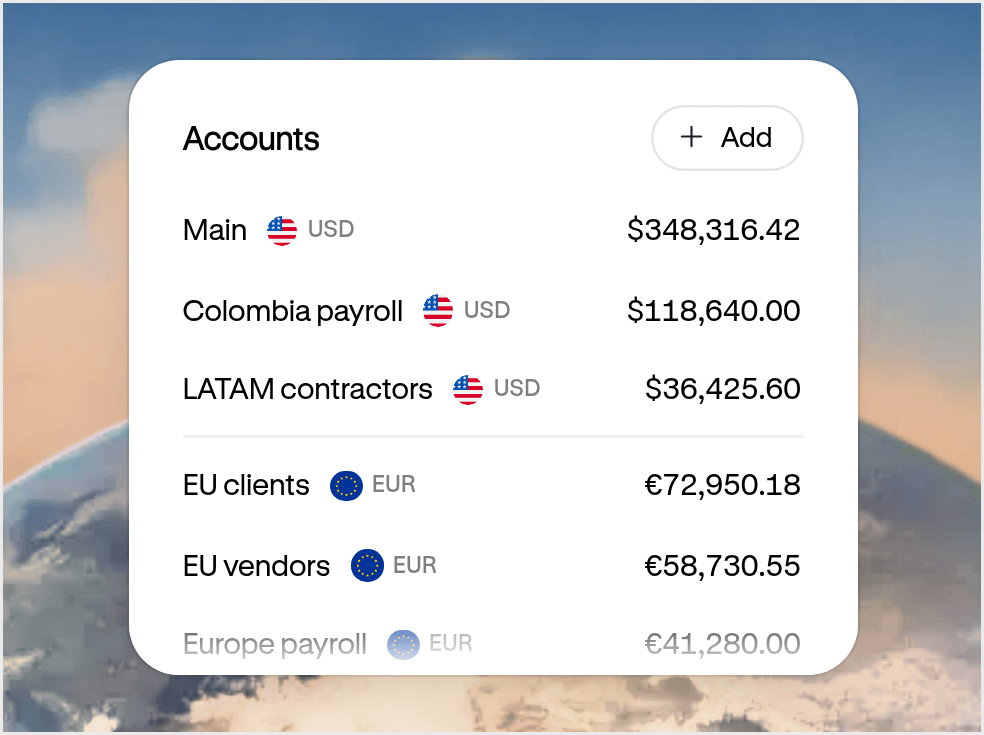
- Accounts Your USD and EUR account for doing business everywhere. Get paid, hold funds, and move money globally from one account.
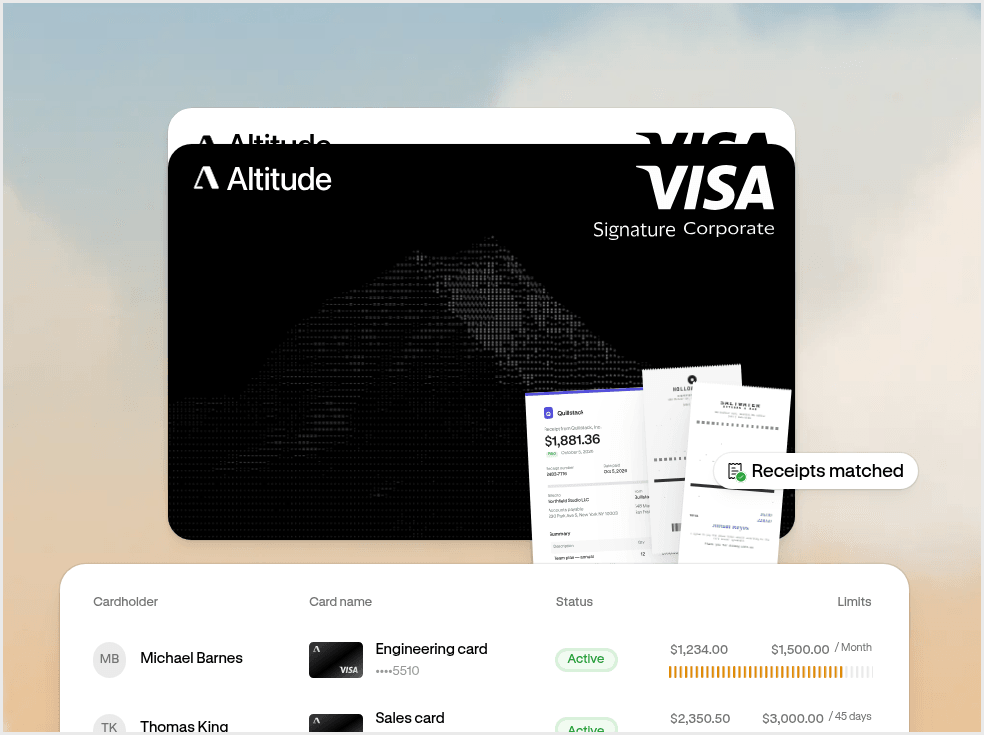
- Cards and spend management Spend everywhere with Altitude Card. Issue unlimited virtual cards with built-in spend controls.
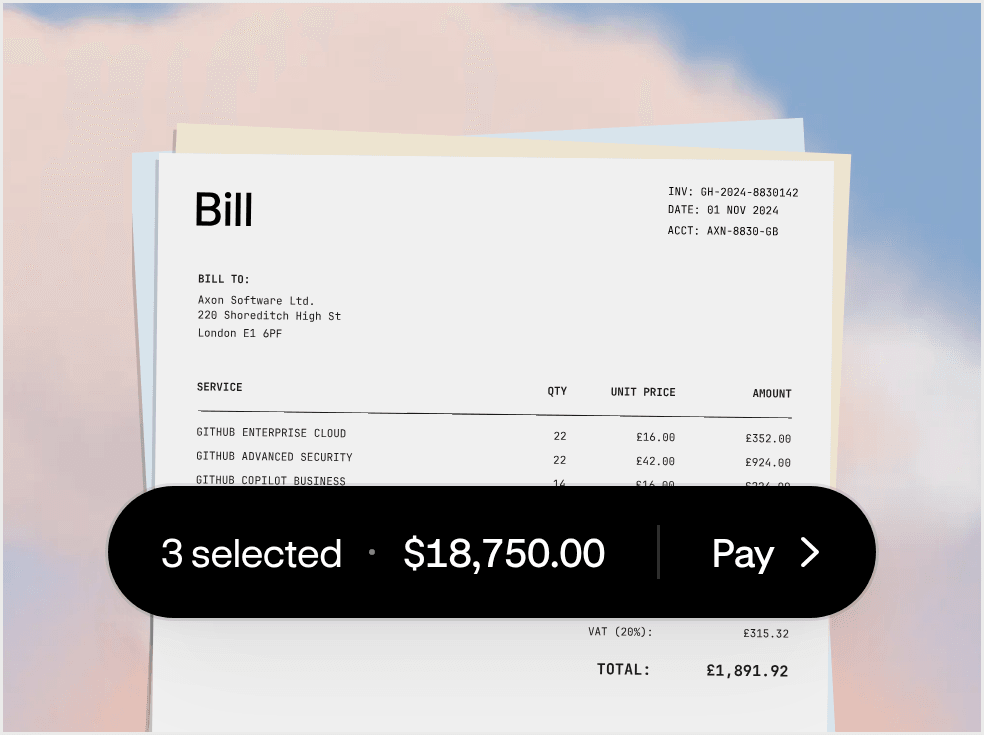
- Bill pay Pay bills without the back and forth. Manage approvals and pay vendors in one flow.
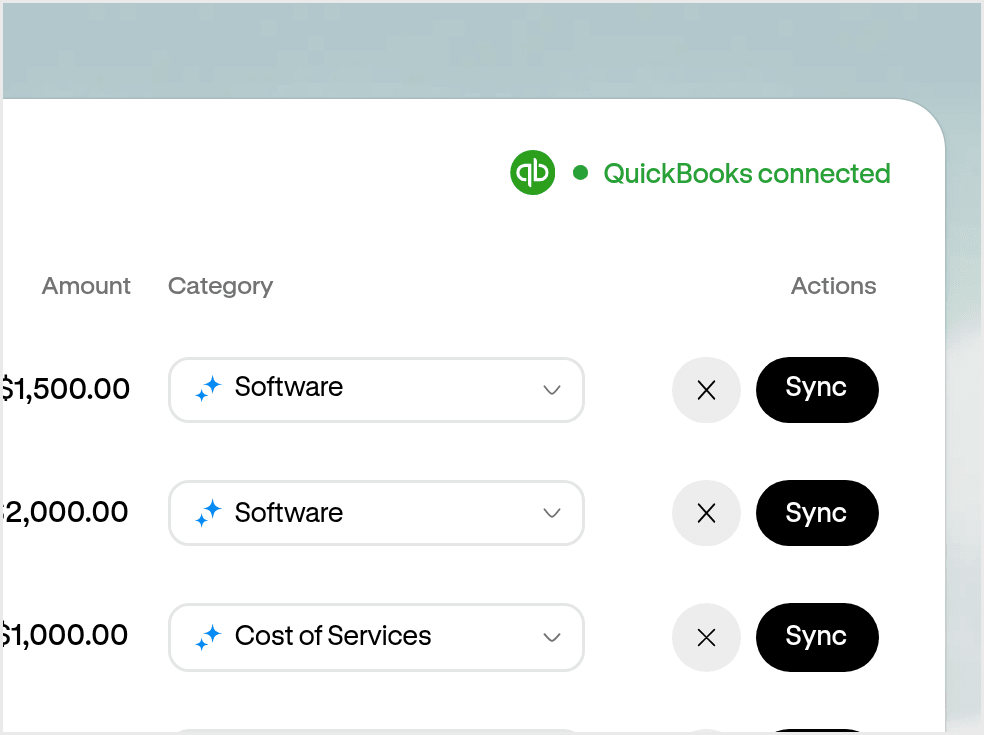
- Accounting Close your books without the manual work. Capture receipts and sync transactions automatically.
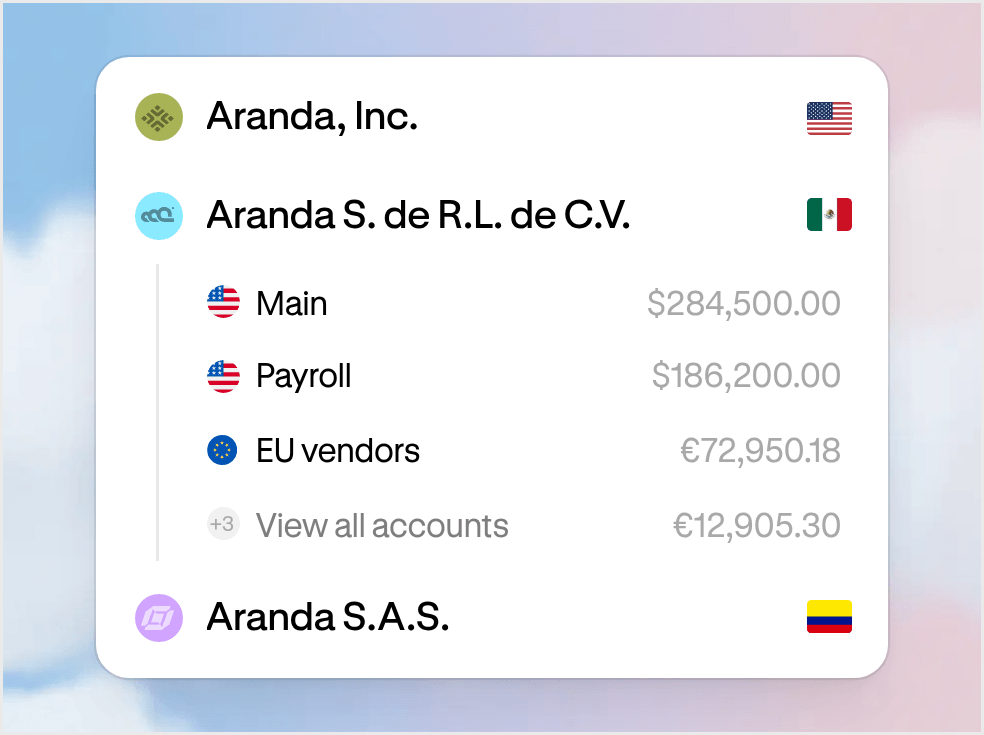
- Multi-entity One workspace for every entity. Manage your businesses and move money between them.
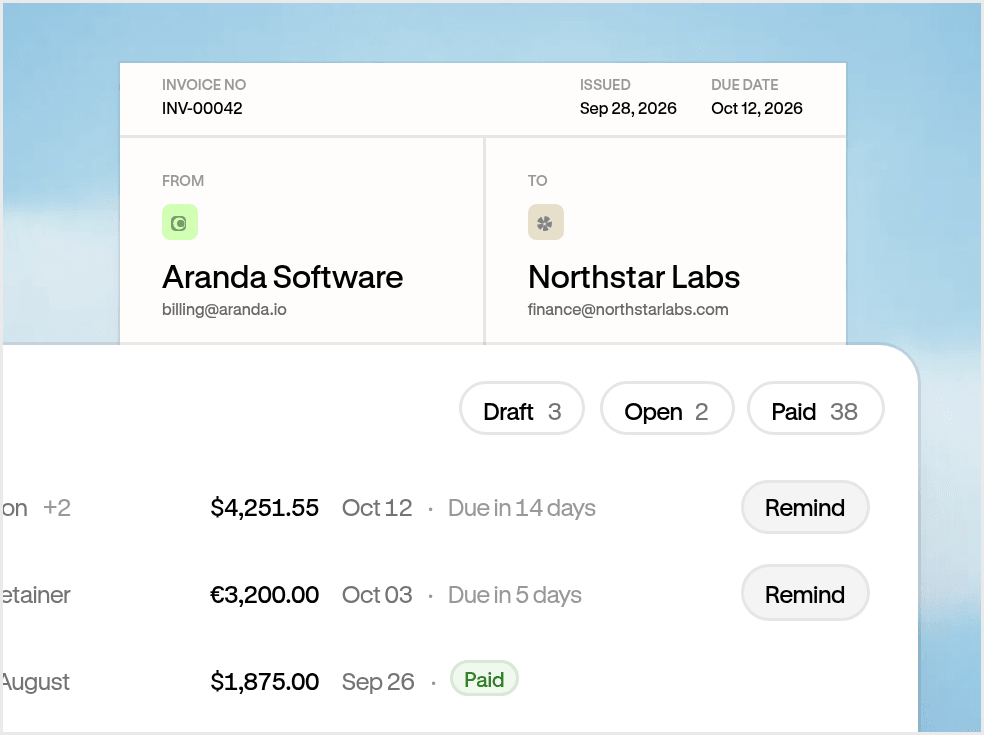
- Invoicing Get paid on time. Track what’s owed and keep payments connected.
Add the supplier or contractor once with their bank details or stablecoin address. Choose how to pay, then enter what you send or what they receive. Review the details, including the rate and fee for local payments, and the payment goes for approval before it's sent.
You can pay through:
- Local bank transfers: ACH and wire in the US, SEPA in Europe, Faster Payments in the UK, SPEI in Mexico, Pix in Brazil, and Bre-B in Colombia
- SWIFT for international wires to most other countries
- Stablecoins to any supported wallet address
What you pay depends on how you send:
- Local payments: you see the exchange rate and fee before you send, so you know exactly what the payment will cost you.
- SWIFT payments: sent in USD for a fixed fee. You also cover the sending and intermediary bank charges (known as OUR), so they aren’t taken out of the payment.
Learn more about Altitude pricing here.
- ACH: up to three business days, or one business day with Same Day ACH.
- US wires and SEPA: typically one business day.
- SWIFT: up to five business days.
- Stablecoins: run 24/7, and timing varies by network.
- Local payments: timing depends on the route, banking hours, and the receiving bank.
- US: USD by ACH or wire.
- Europe: EUR by SEPA.
- UK: GBP by Faster Payments.
- Mexico: MXN by SPEI.
- Brazil: BRL by Pix.
- Colombia: COP by Bre-B.
- Everywhere else: USD by SWIFT to banks in 190+ countries.*
*Local payments are subject to approval for your workspace and route.
You can pay recipients in the UK, Europe, Mexico, Brazil, and Colombia in their local currency, straight from your USD balance. Enter how much you want to send, and the quote shows the exchange rate and fee before you pay.
You can also pay without converting:
- SWIFT: send USD. If the recipient’s account is in another currency, their bank converts it at its own rate.
- SEPA: send EUR from your EUR balance.
- Stablecoins: the recipient gets USDC or EURC.
Their name, plus the details for where you’re sending:
- UK: sort code and account number.
- Europe (SEPA): IBAN and BIC.
- Mexico: 18-digit CLABE.
- Brazil: Pix key.
- Colombia: Bre-B key or bank details.
- SWIFT: account number or IBAN, and SWIFT code.
No. Recipients are paid into their own bank account or stablecoin address and need no Altitude account.
When you set up your account, you set the security rules that define who can move money and how many approvals are needed. Only the people you authorize can act, and Altitude cannot access or move your funds. You can also add view-only members who can see your accounts without approving anything.
Yes. Many businesses use Altitude as their global business account while keeping their existing banking relationships. Altitude accounts can be easily funded from your other bank accounts and send money back to those accounts via local payment networks or SWIFT.
Most businesses use Altitude to manage multiple entities under one login, to save money on foreign transfers (FX), and to get additional earnings on idle cash and cashback on their card spend.
Yes. Upload or forward an invoice, and Altitude captures the vendor, amount, and due date for you. Review the details, send the bill for approval if your policies require it, and pay from your operating balance. Pay vendors by local bank transfer, SWIFT, or stablecoins. Review each payment and sync it to your accounting software.