


 Startups
  Creative agencies
  Onchain teams
  European businesses
  AI
AI  Software
 Accounting
Accounting automation software built into your global business account.
Automated bookkeeping for the money that moves through Altitude. All bank payments and stablecoin transfers are auto-coded and synced with your accounting software.





Connect directly to QuickBooks and Xero
2-way sync with your accounting system.
Export when you need
Don’t use QuickBooks or Xero? Export your transactions as CSV anytime.
Save time on month-end close
Each transaction is auto-coded based on your historical accounting data. Month-end close goes from days to minutes.
All transactions covered
Accounting sync covers all bank and stablecoin payments.
Auto-coded transactions, straight to your books.
- Every transaction is auto-coded based on historical context.
- Review, approve, and post directly to your accounting software.
- Working in another system? Export as CSV anytime.


Stablecoin and bank transactions in one QuickBooks and Xero sync.
- Stablecoin deposits and transfers post to QuickBooks and Xero next to your USD and EUR bank transactions.
- Stablecoin activity in Altitude sits in the same books as your bank activity.
- Entries arrive ready for review, with a suggested category where available.



Give every transaction more context.
- Suggestions that follow your own categories, where available.
- Bills paid through bill pay appear in your QuickBooks- or Xero-compatible CSV.
- A review queue where you can exclude, restore, search, and filter entries.
- If an entry fails to sync, you see the reason and can retry it, and no partial entry is left in your accounting software.

“Closing the month meant going into every platform, downloading each statement, re-uploading it all into QuickBooks, and checking that every bit of spend was recorded properly. It was a logistical nightmare we had to look forward to every month. Now we click sync, categorize in Altitude, and we’re done.”
 Controller at Orca
One account for accounting and everything around it.
- Payments Better way to pay across borders. Send through local networks, SWIFT, and stablecoin rails.
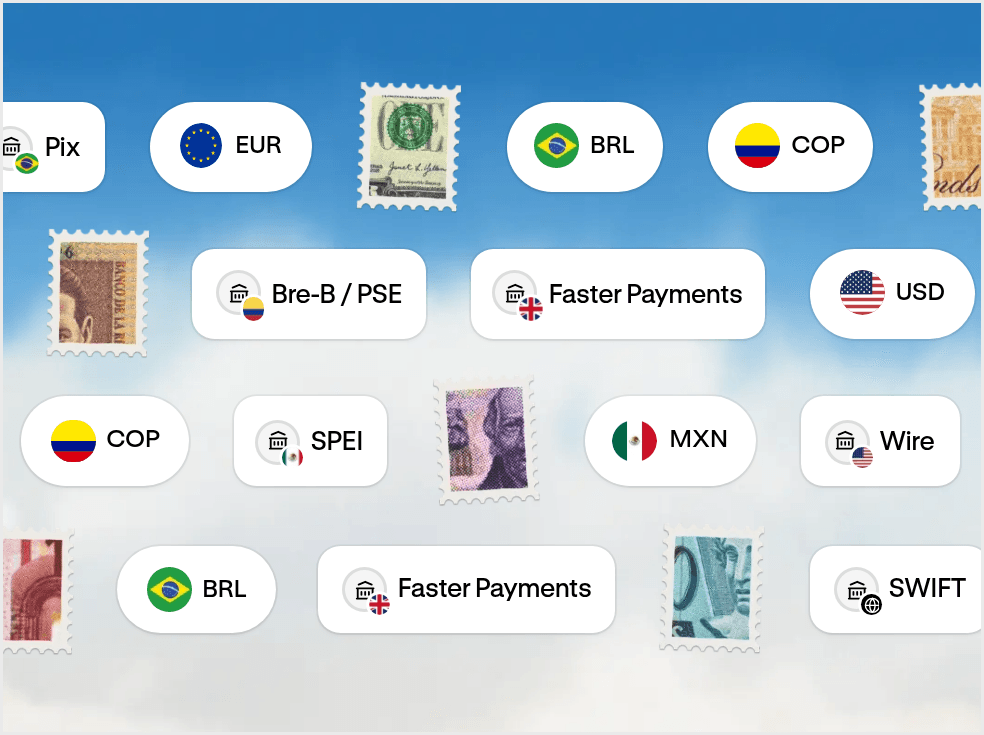
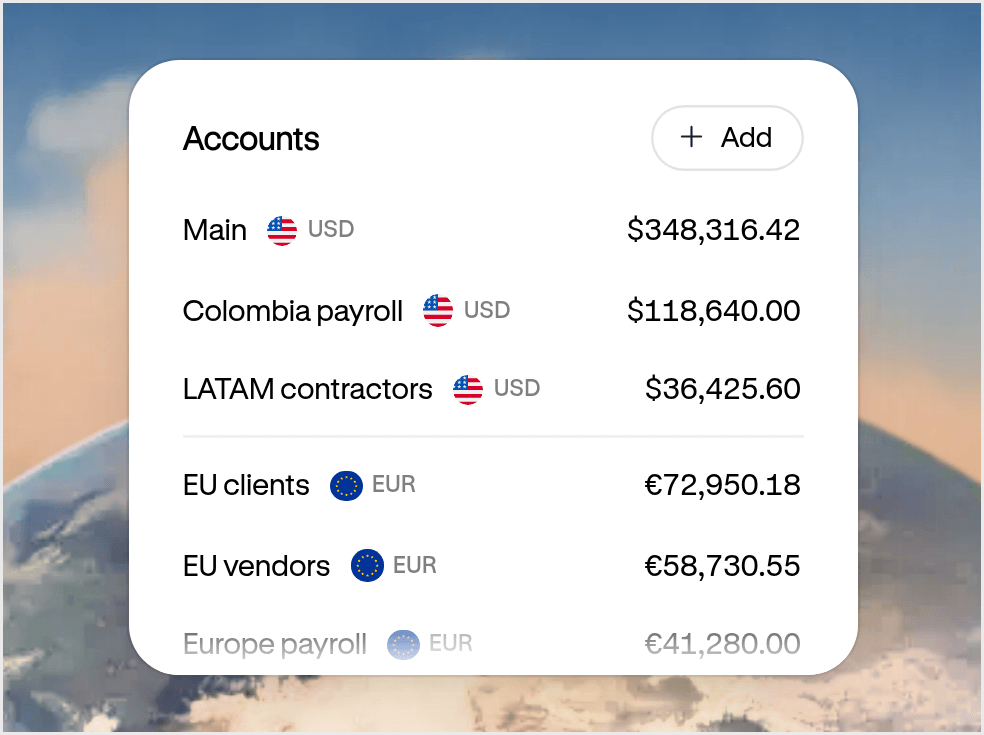
- Accounts Your USD and EUR account for doing business everywhere. Get paid, hold funds, and move money globally from one account.
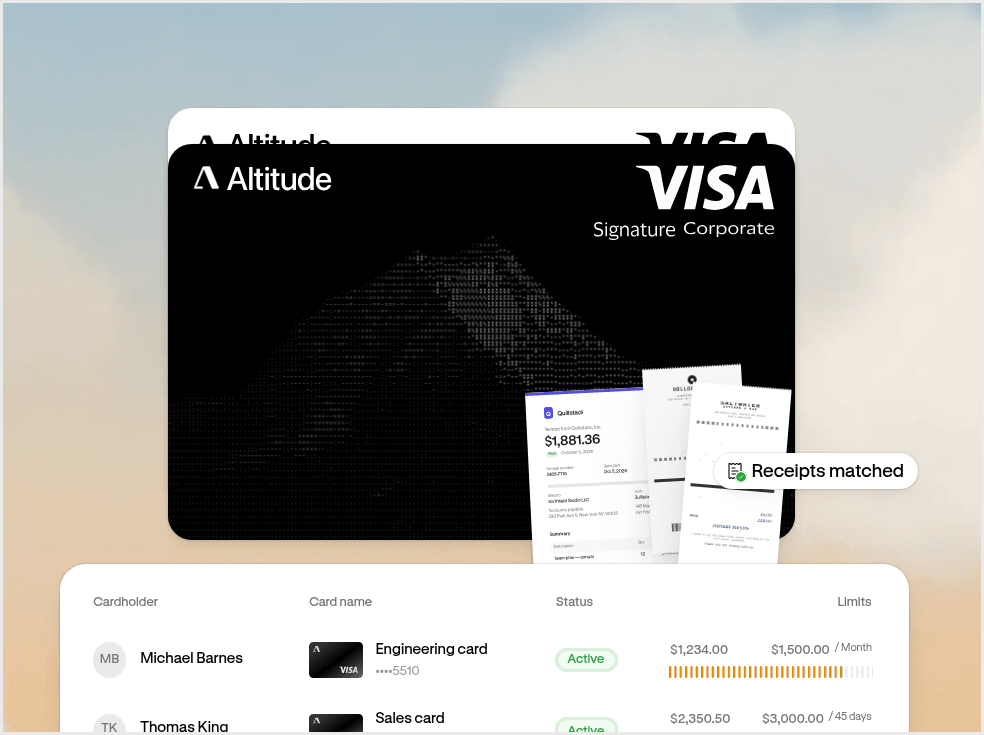
- Cards and spend management Spend everywhere with Altitude Card. Issue unlimited virtual cards with built-in spend controls.
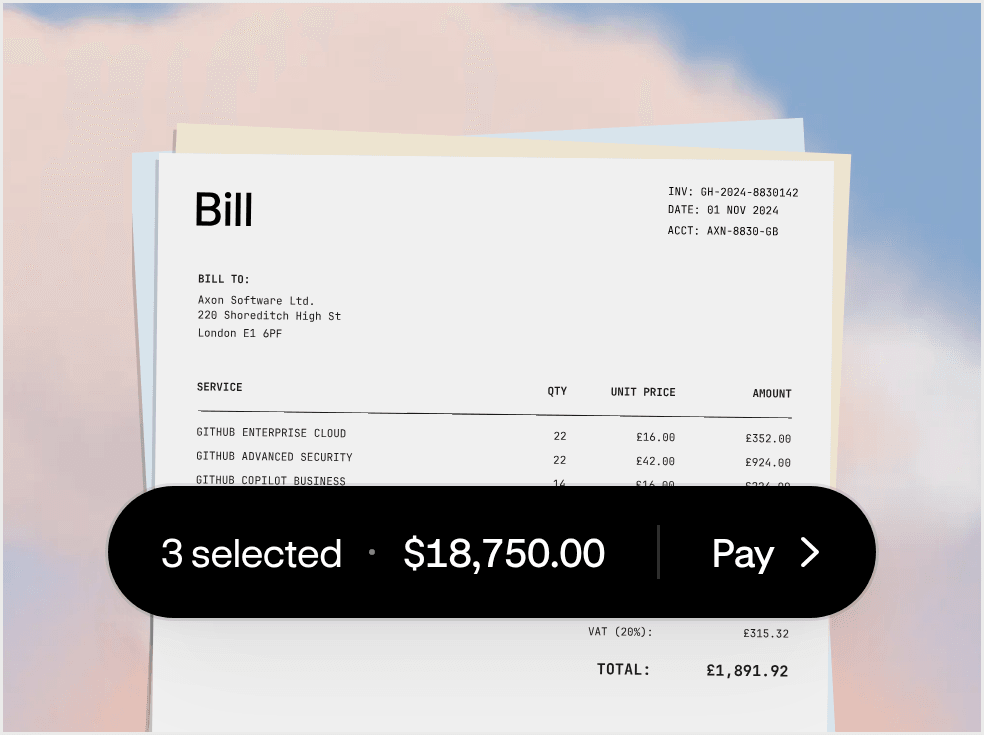
- Bill pay Pay bills without the back and forth. Manage approvals and pay vendors in one flow.
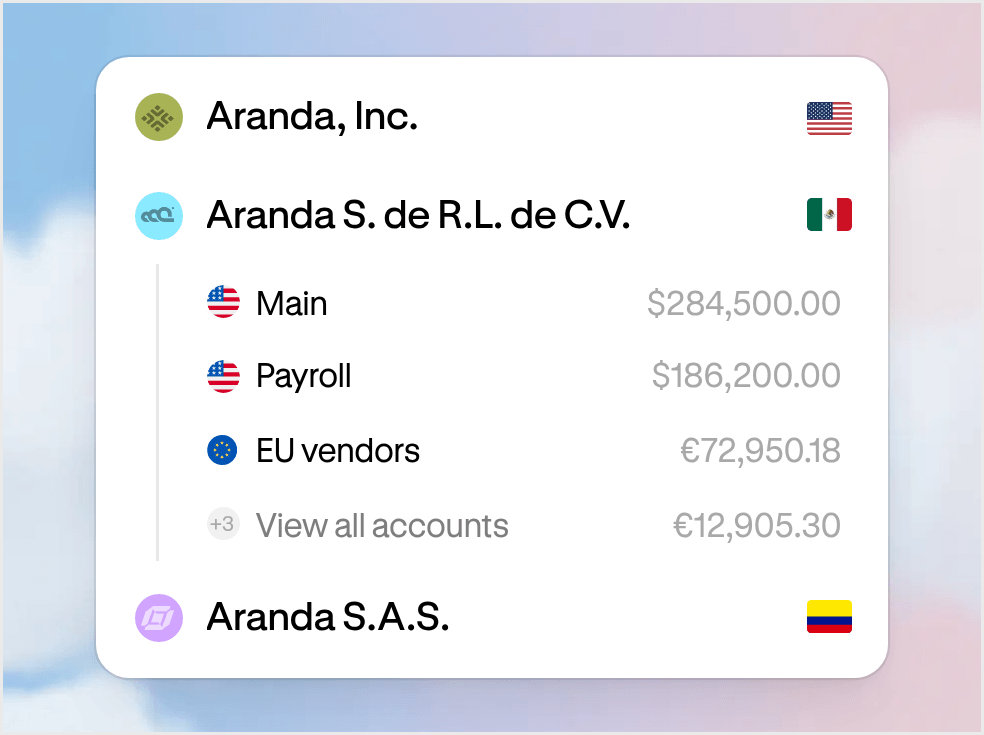
- Multi-entity One workspace for every entity. Manage your businesses and move money between them.
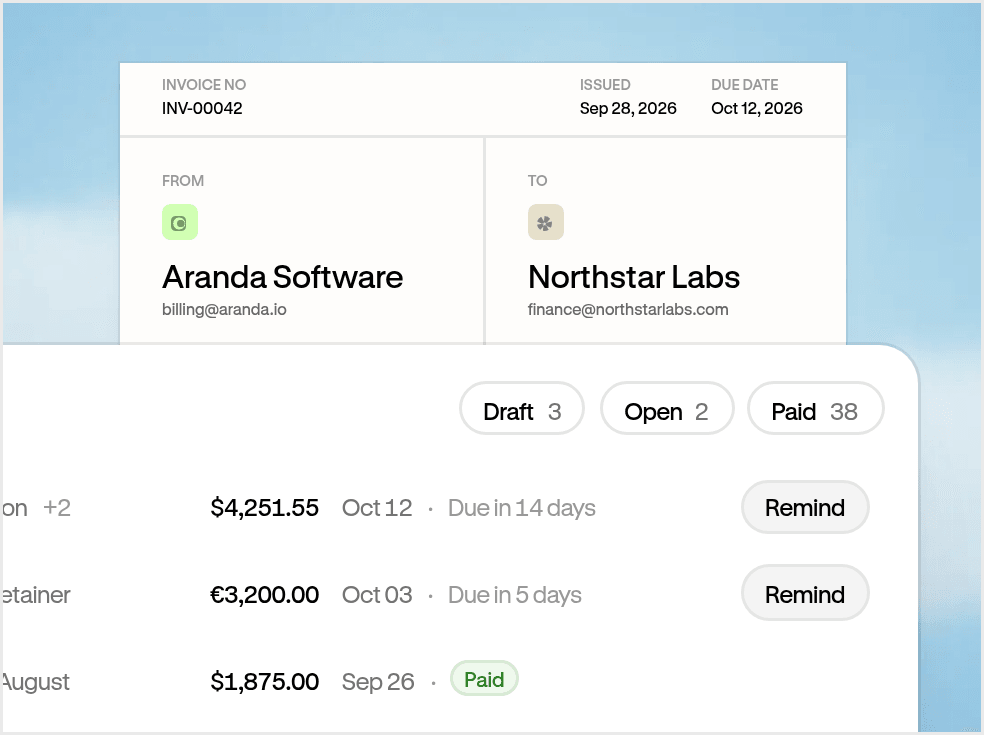
- Invoicing Get paid on time. Track what’s owed and keep payments connected.
Altitude accounting connects your workspace to your accounting system and keeps your books in step with the money that moves through Altitude. It imports your chart of accounts and learns from how your past transactions were categorized, then suggests the right category for each new transaction. Review the suggestions and post to your books in one click. Nothing posts until you confirm.
Altitude connects directly to QuickBooks Online and Xero, with more integrations coming soon. If you use another system, you can export your transactions as a CSV.
All your Altitude transactions sync to your accounting system, each as its matching transaction type:
- Payments and card purchases sync as expenses.
- Money in syncs as deposits.
- Transfers between your Altitude accounts sync as transfers.
Each transaction arrives auto-coded, with a suggested category and type based on how you’ve categorized similar transactions before. Review and adjust them, then sync one at a time or in bulk. You can also exclude any transaction you don’t want in your books.
A raw bank feed imports every transaction for you to categorize. Altitude auto-codes each settled transaction using how you’ve categorized similar ones before, so it arrives with the category already filled in. Confirm or adjust it, and the entry posts to your accounting system.
Yes. Stablecoin deposits and transfers sync like your bank transactions into your accounting system.
Transactions are ready for review as soon as they settle, so you can close as you go instead of all at month-end. Each one arrives auto-coded: Altitude suggests a category using the counterparty, payment method and how you’ve categorized similar transactions before, and it learns from every category you confirm. Change any suggestion before you post.