Bill pay software for companies that operate everywhere.
Pay US, European, and international vendors while saving on FX fees. Forward a bill, and Altitude captures the details and prepares it for approval and payment.
 ACH
 SEPA
 Faster Payments
 SPEI
 Pix
 Bre-B
 SWIFT
 Stablecoins
ACH, Wire, SEPA, Faster Payments, SPEI, Pix, Bre-B, SWIFT or Stablecoins





Every bill in one place.
- Forward bills and invoices from your vendors to your bill pay address, or drag them into the dashboard.
- Upload a PDF or PNG, or forward the email with the bill attached.


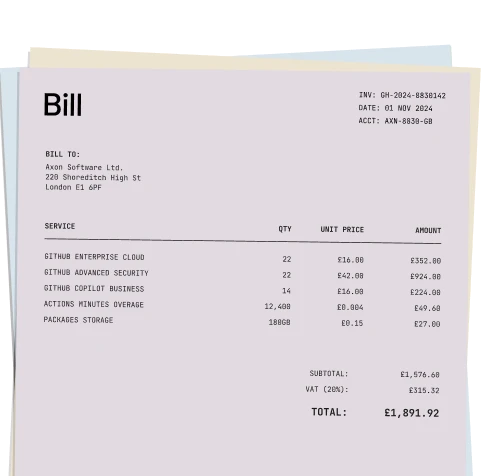


Capture vendor invoices without the data entry.
- Altitude reads the vendor, payment details, currency, amount, invoice number, and due date, usually within about 30 seconds.
- Saved vendors are matched automatically, and new ones can be saved from the bill.


Check every bill before you pay.
- Edit any extracted detail, from the amount to the due date, before the bill moves on.
- You confirm the details before a bill goes for approval.
Put the right people in control.
- Every vendor invoice follows the approval rules you set, and whoever adds a bill counts as an approver if they have approval rights.
- See what is owed, how many approvals each bill has, and what is ready to pay.


International bill pay from one balance.
- Pay US vendors by ACH or wire, and European vendors by SEPA from your EUR balance.
- International vendor payments by SWIFT reach banks in 190+ countries.
- Pay vendors in stablecoins, any day of the week.
- Review the amount, payment method, and fee before you approve.


Connect bill payments to your books.
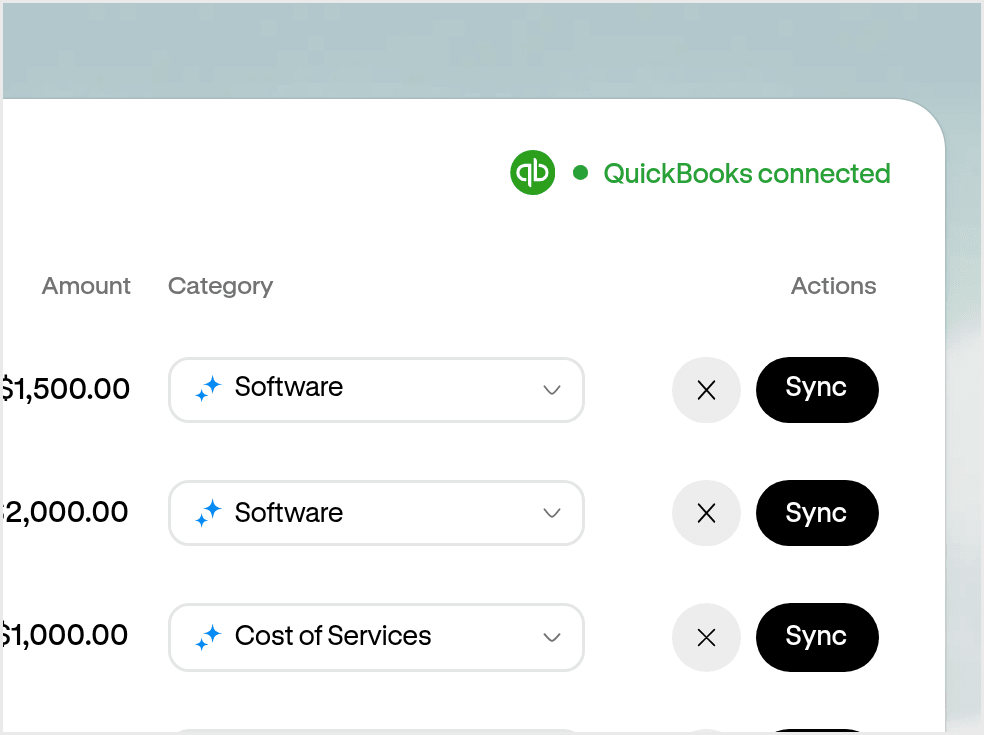
Review each settled bill payment in Altitude, choose a category and post it to QuickBooks or Xero. Nothing posts without your confirmation.



“We have our invoices routed directly to Altitude now. It’s made our whole payment process simpler.”
 Controller at Orca
One account for bill pay and everything around it.
- Payments Better way to pay across borders. Send through local networks, SWIFT, and stablecoin rails.
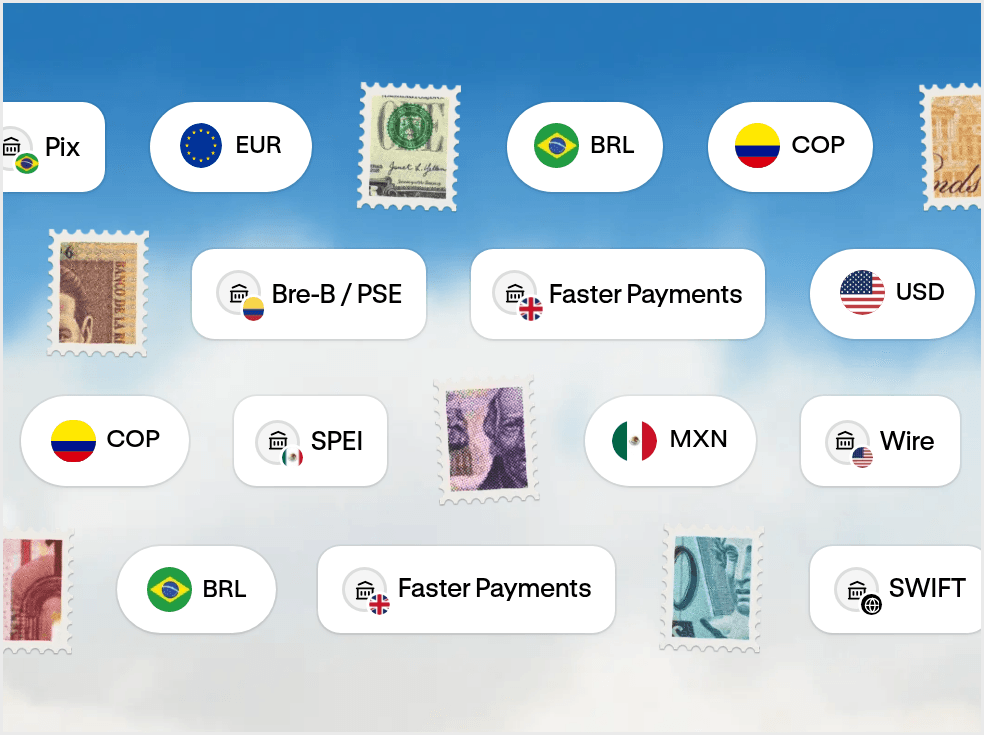
- Accounts Your USD and EUR account for doing business everywhere. Get paid, hold funds, and move money globally from one account.
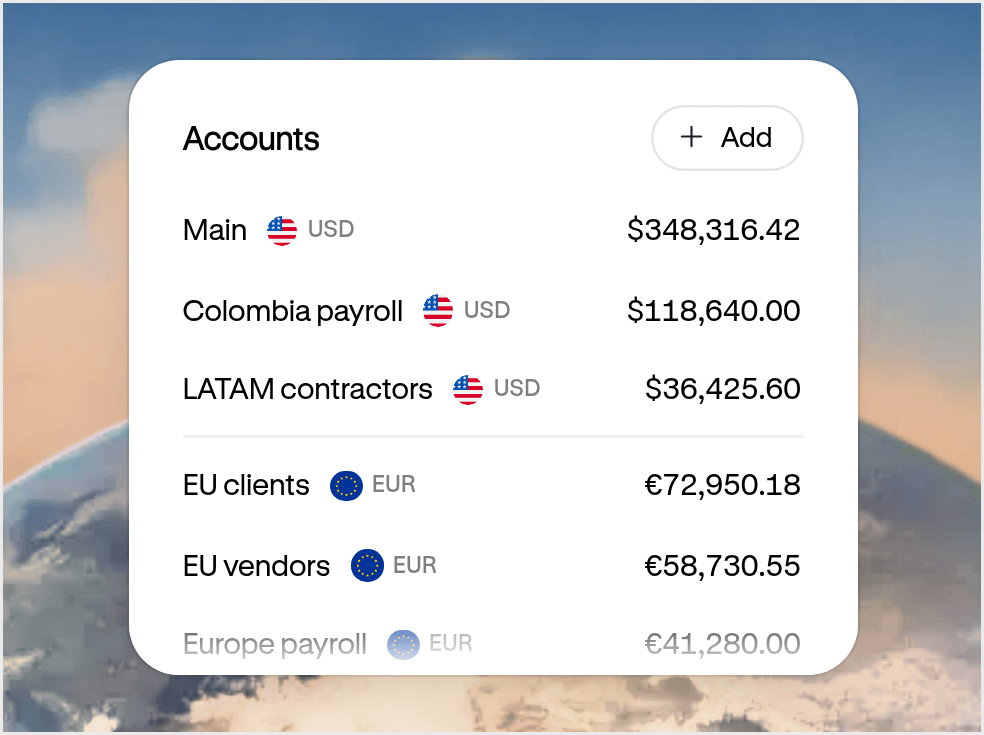
- Cards and spend management Spend everywhere with Altitude Card. Issue unlimited virtual cards with built-in spend controls.
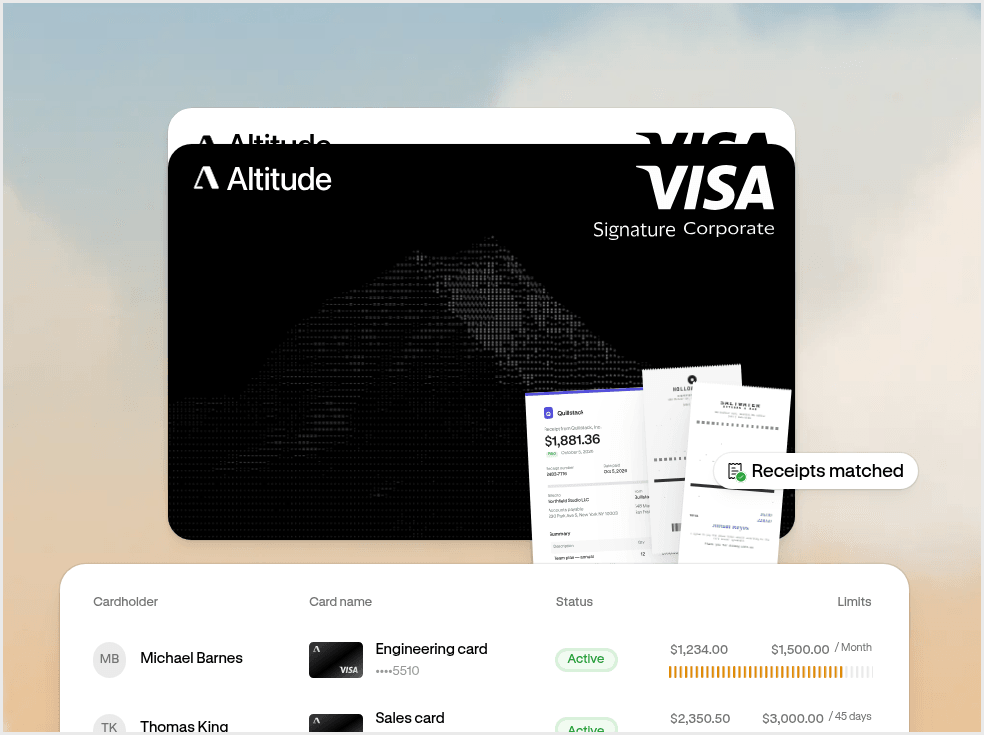
- Accounting Close your books without the manual work. Capture receipts and sync transactions automatically.
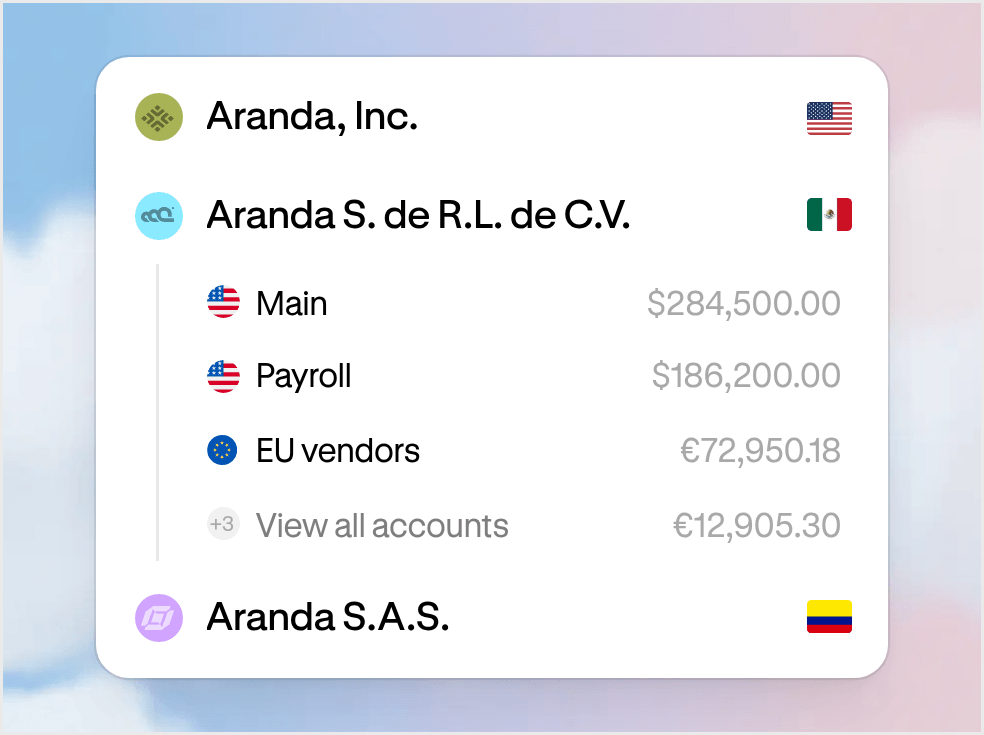
- Multi-entity One workspace for every entity. Manage your businesses and move money between them.
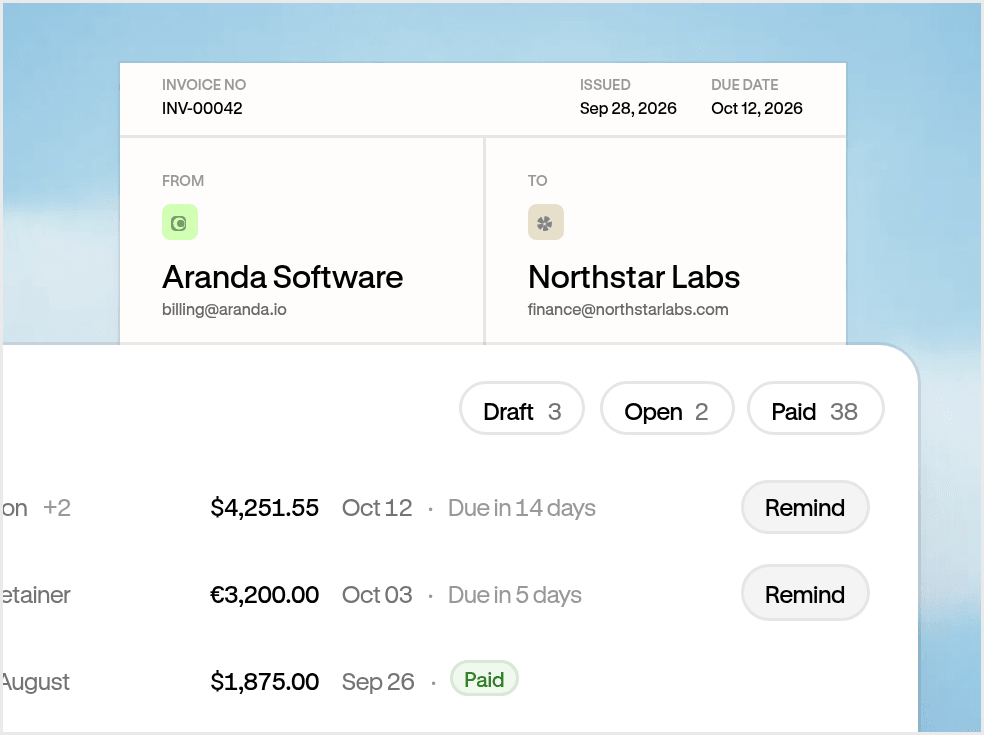
- Invoicing Get paid on time. Track what’s owed and keep payments connected.
Bill pay software collects the bills your business owes, routes them for approval, and pays vendors from one place. Altitude bill pay does this inside your Altitude account: forward or upload a bill, check the details Altitude reads, approve it, and pay by ACH, wire, SEPA, SWIFT, or stablecoin transfer.
Bill pay is included with your Altitude account. Each bill is paid by local bank transfer, SWIFT, or stablecoin, and the standard fee and minimum for that payment method apply. SWIFT payments are sent with your business covering known fees.
Forward the bill to your bill pay email address, or upload a PDF or PNG from the dashboard. You choose the first part of the address, and it always ends in @bills.altitude.xyz. Altitude reads the vendor, payment details, currency, amount, invoice number, and due date, and you check them before the bill moves to approval.
Yes.
- In the US: by ACH or wire.
- In Europe: by SEPA from your EUR balance.
- In 190+ countries: by SWIFT in USD, for bills of $100 or more.
- Anywhere: in stablecoins.
No. Vendors are paid into their own bank account by ACH or wire in the US, SEPA in Europe, or SWIFT in USD to banks in 190+ countries. You can also pay using stablecoins. Delivery time depends on the payment method.
You choose who can create, approve and send bill payments, and how many approvals are needed. Once a payment has the required approvals, an authorized team member sends it.
Bill pay starts with a bill. Forward or upload it, and Altitude reads the details and matches the vendor. You check what it pulled out, and then the bill goes for approval before you pay. When there’s no bill, send a regular payment straight to the recipient instead.
Paid bills sync to QuickBooks and Xero. Once a bill payment settles, review it in Altitude, choose a category, check the posting preview, and sync it. Nothing posts without your confirmation.