


 Startups
  Creative agencies
  Onchain teams
  European businesses
  AI
AI  Software
 Give your AI agent a clearer view of your finances with Altitude finance MCP.
Connect your AI agent to Altitude with our finance MCP. Ask questions, check balances, and review transactions, alongside information from your other connected tools. Read-only. Your existing Altitude workspace and account permissions apply.
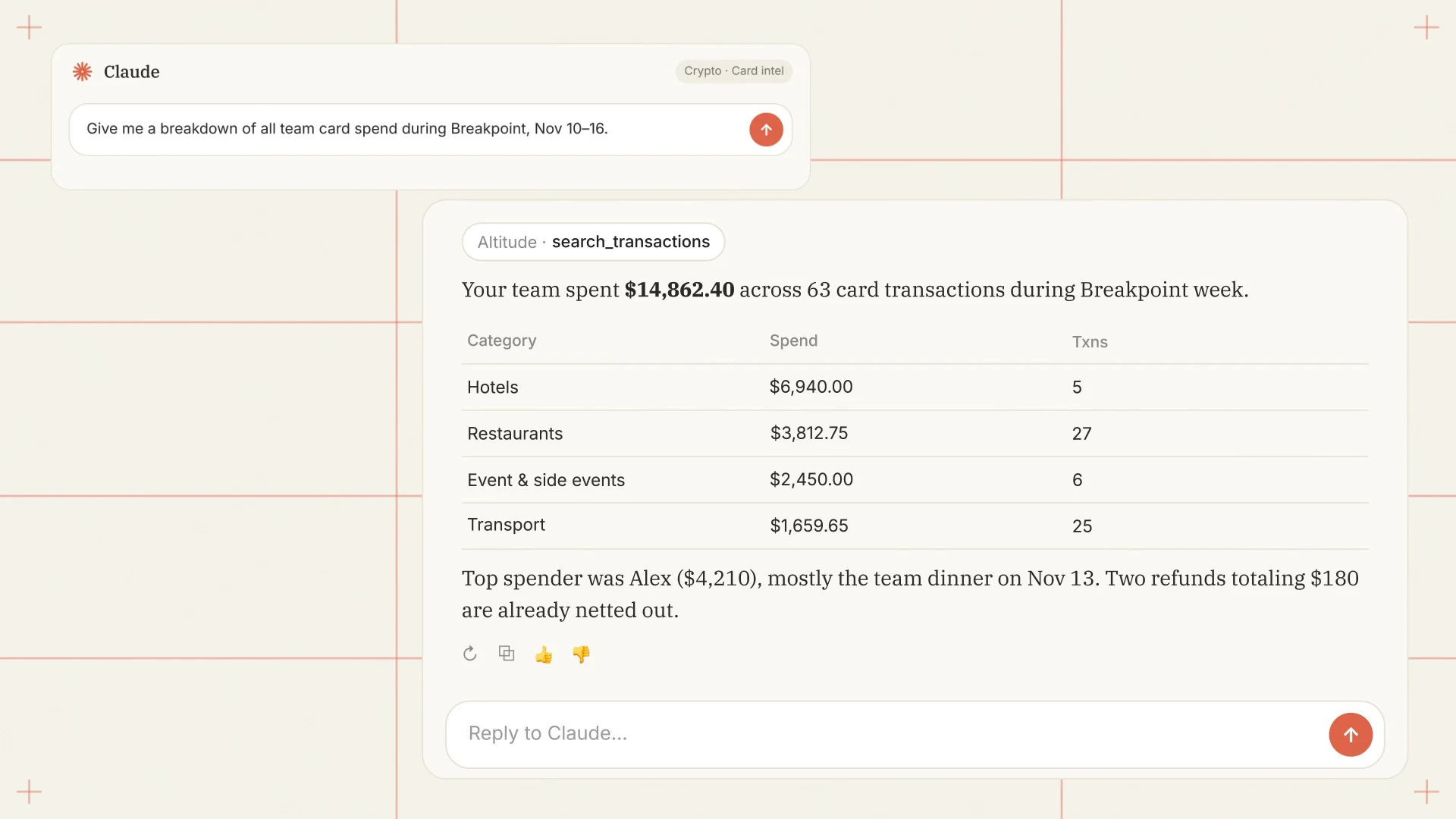


Ask your agent
about your finances.
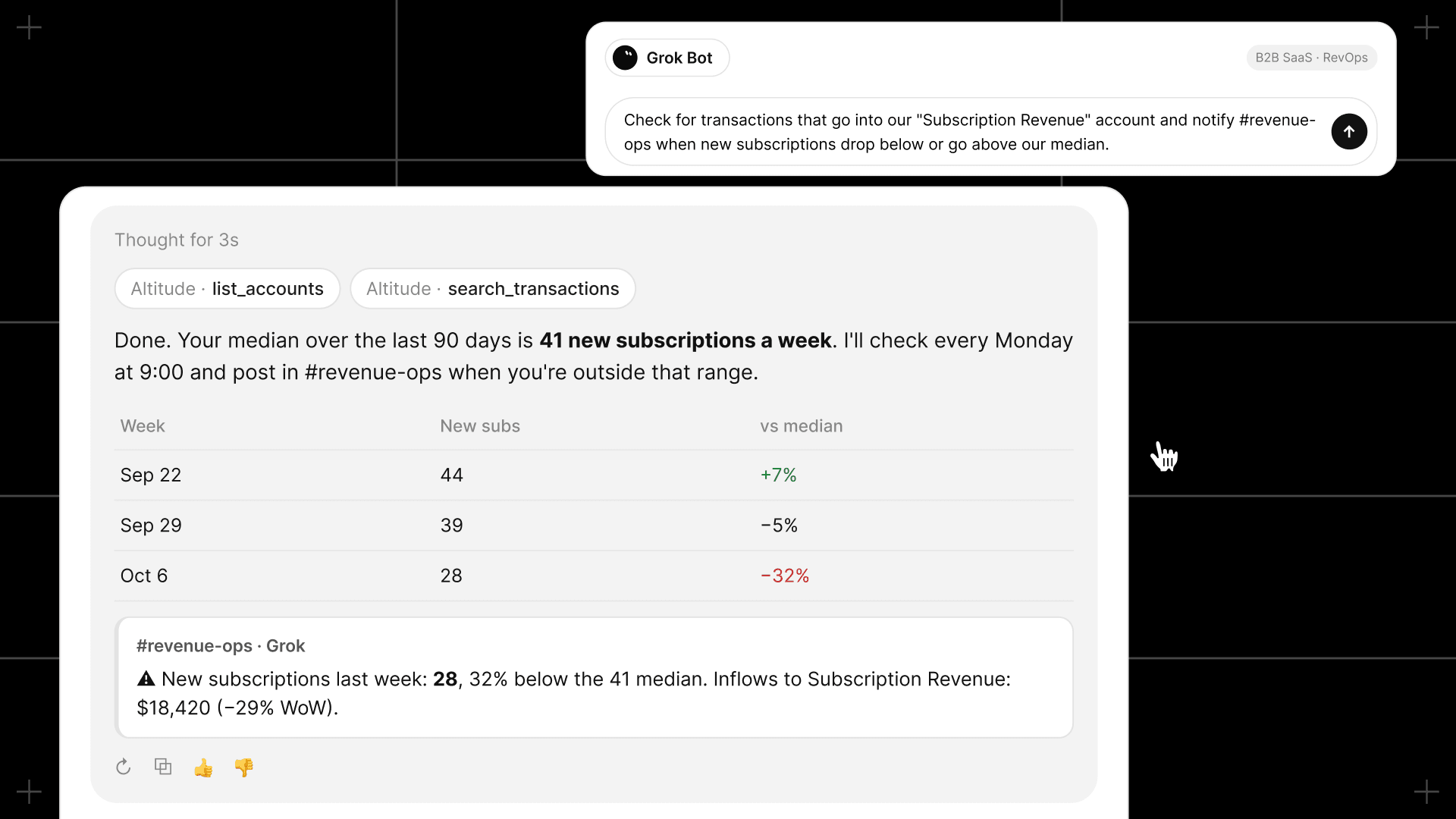
- Use the MCP to access your Altitude data through your AI agent and combine it with information from your other connected tools.
- Ask questions, check balances, and review transactions.
- Specify a workspace, account, and time period to focus the results.
- Works with any AI agent you use – ChatGPT, Claude, Grok, Muse, and many more
Connect our finance MCP on your terms.
- Follow the setup guide for your supported agent, sign in to Altitude, and authorize the connection.
- Your existing Altitude workspace and account permissions apply.
- This release is read-only. Payments, approvals, and account changes stay in Altitude.
- Requested data is shared with your connected AI provider, so choose a tool that meets your company’s financial data policies.
One account behind every answer your agent gives.
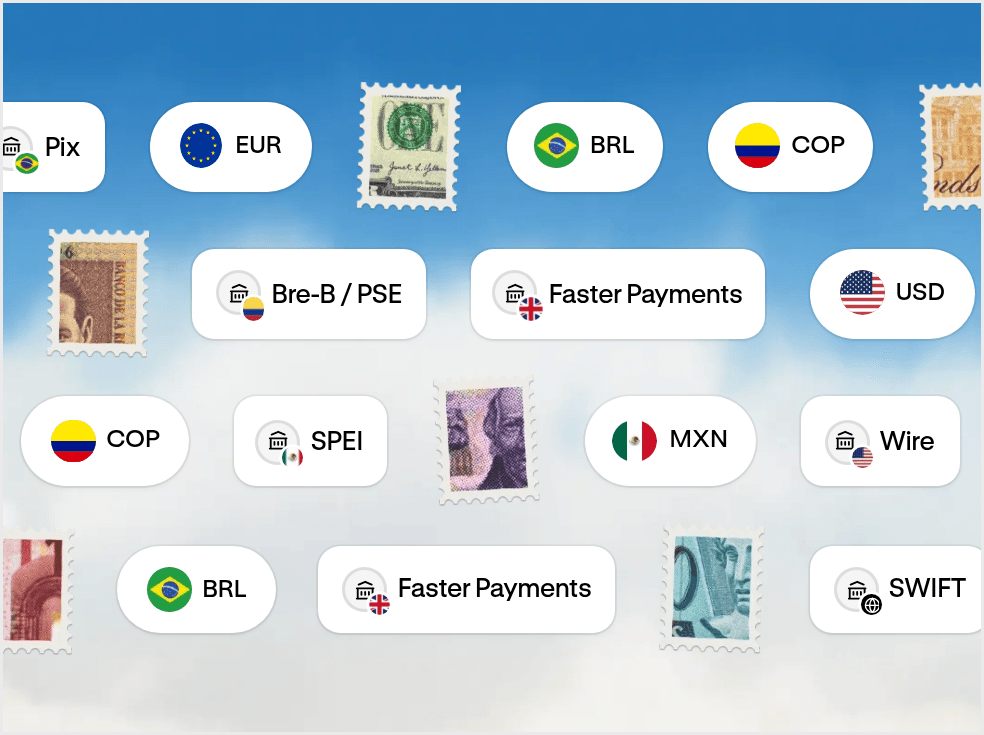
- Payments Better way to pay across borders. Send through local networks, SWIFT, and stablecoin rails.
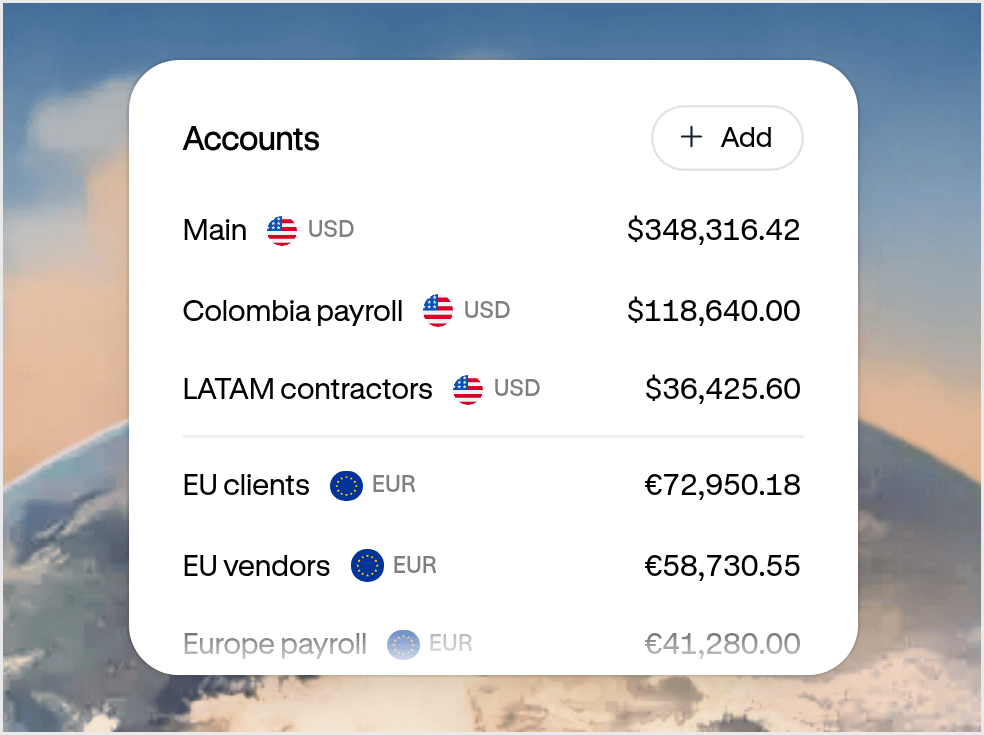
- Accounts Your USD and EUR account for doing business everywhere. Get paid, hold funds, and move money globally from one account.
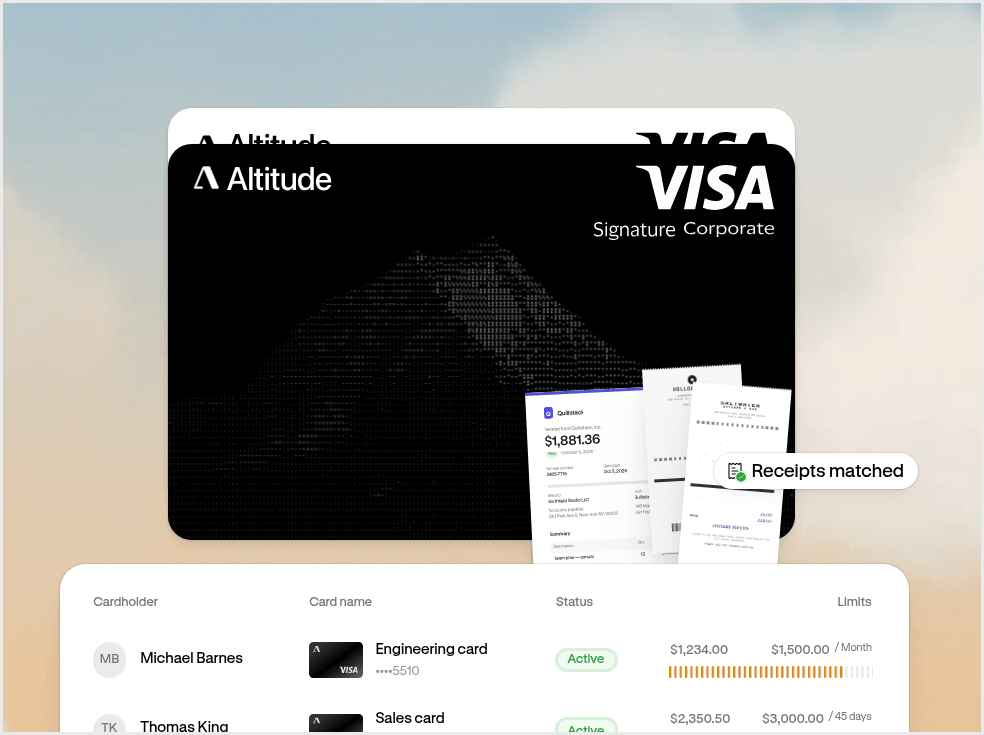
- Cards and spend management Spend everywhere with Altitude Card. Issue unlimited virtual cards with built-in spend controls.
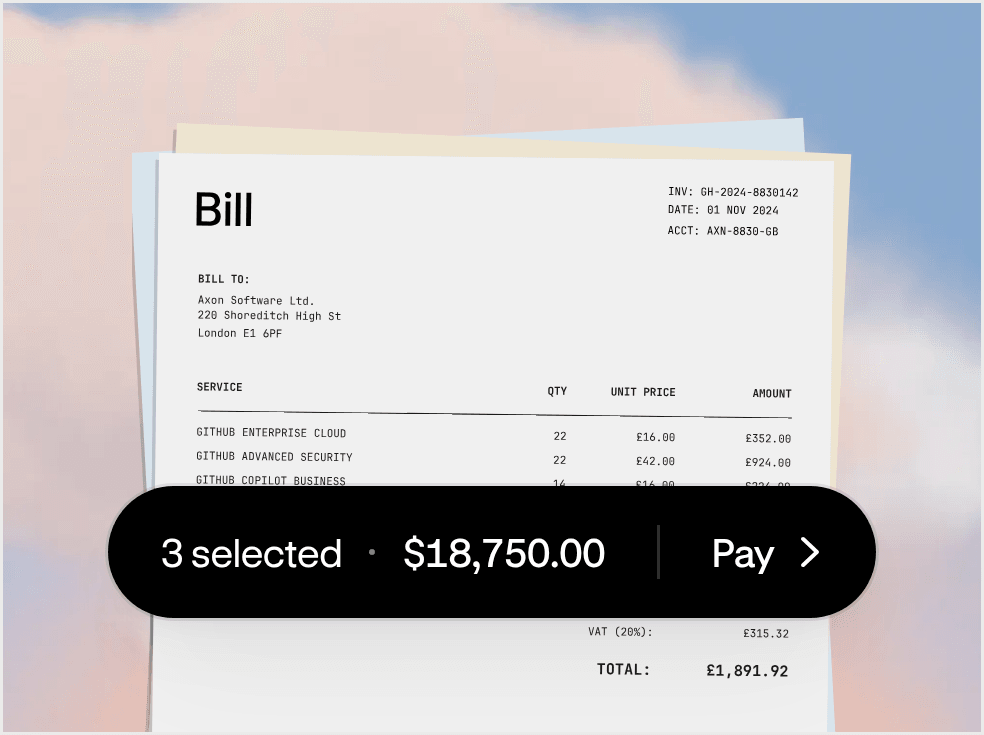
- Bill pay Pay bills without the back and forth. Manage approvals and pay vendors in one flow.
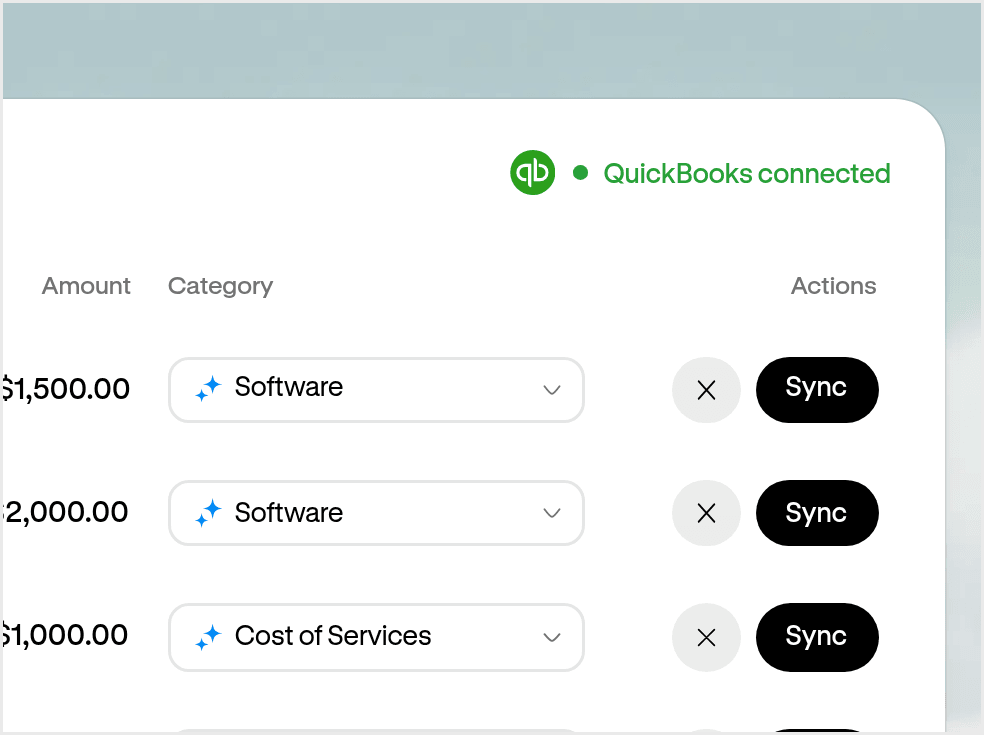
- Accounting Close your books without the manual work. Capture receipts and sync transactions automatically.
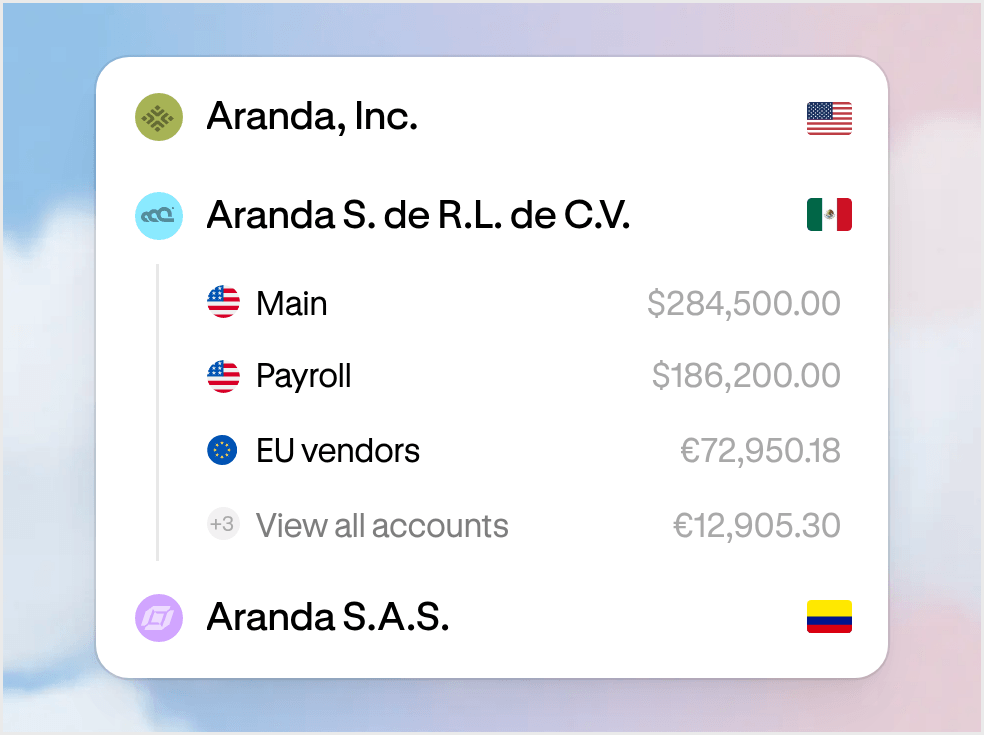
- Multi-entity One workspace for every entity. Manage your businesses and move money between them.
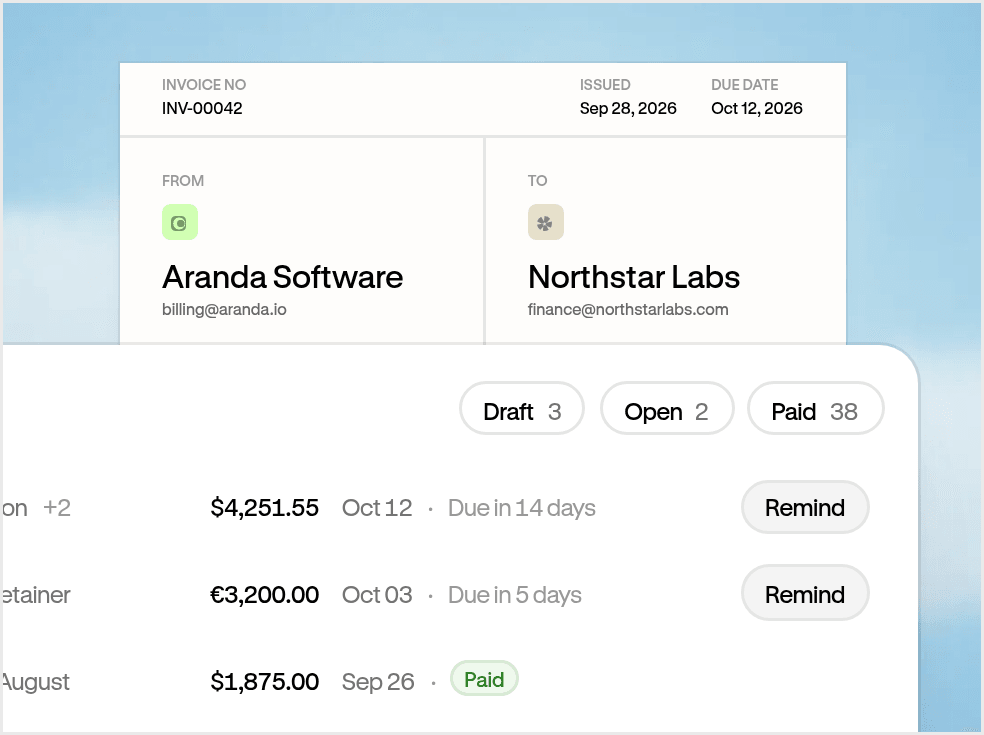
- Invoicing Get paid on time. Track what’s owed and keep payments connected.
MCP connects AI agents to external tools and data. Altitude MCP gives your AI agent access to your Altitude financial data, so you can ask questions, check balances, and review transactions, and combine that data with information from your other connected tools. It gives your agent the balances and transactions people usually look for in a banking MCP, for the accounts you hold in Altitude.
This release is read-only. Your agent can retrieve supported financial data from Altitude, while payments, approvals, and account changes stay in Altitude.
Follow the setup guide for your supported agent, sign in to Altitude, and authorize the connection.
Your existing Altitude workspace and account permissions apply when your agent connects through the MCP, and payments, approvals, and account changes stay in Altitude.
As with any banking MCP or financial data connection, requested data is shared with your connected AI provider, so choose a tool that meets your company’s financial data policies.
For example:
- Prepare for a vendor renewal: compare payments to a vendor in Altitude with the contract in Google Drive.
- Check upcoming funding needs: compare a payment schedule in Google Sheets with your Altitude balances by currency.
- Build your weekly finance update: draft a summary from your Altitude transactions and your team’s updates in Notion.
- Find a payment for an invoice: read a supplier invoice in your email and find possible matching transactions in Altitude.
- Investigate a change in spending: compare this month’s outgoing Altitude transactions with last month’s.
Specify a workspace, account, and time period to focus the results.
Altitude’s finance MCP starts with access to your finances. Next on the roadmap is delegating financial tasks, such as preparing invoices, organizing bills, and proposing transactions for review, and then connecting the business context your agent needs to recognize what needs doing and prepare the next step.