


 Startups
  Creative agencies
  Onchain teams
  European businesses
  AI
AI  Software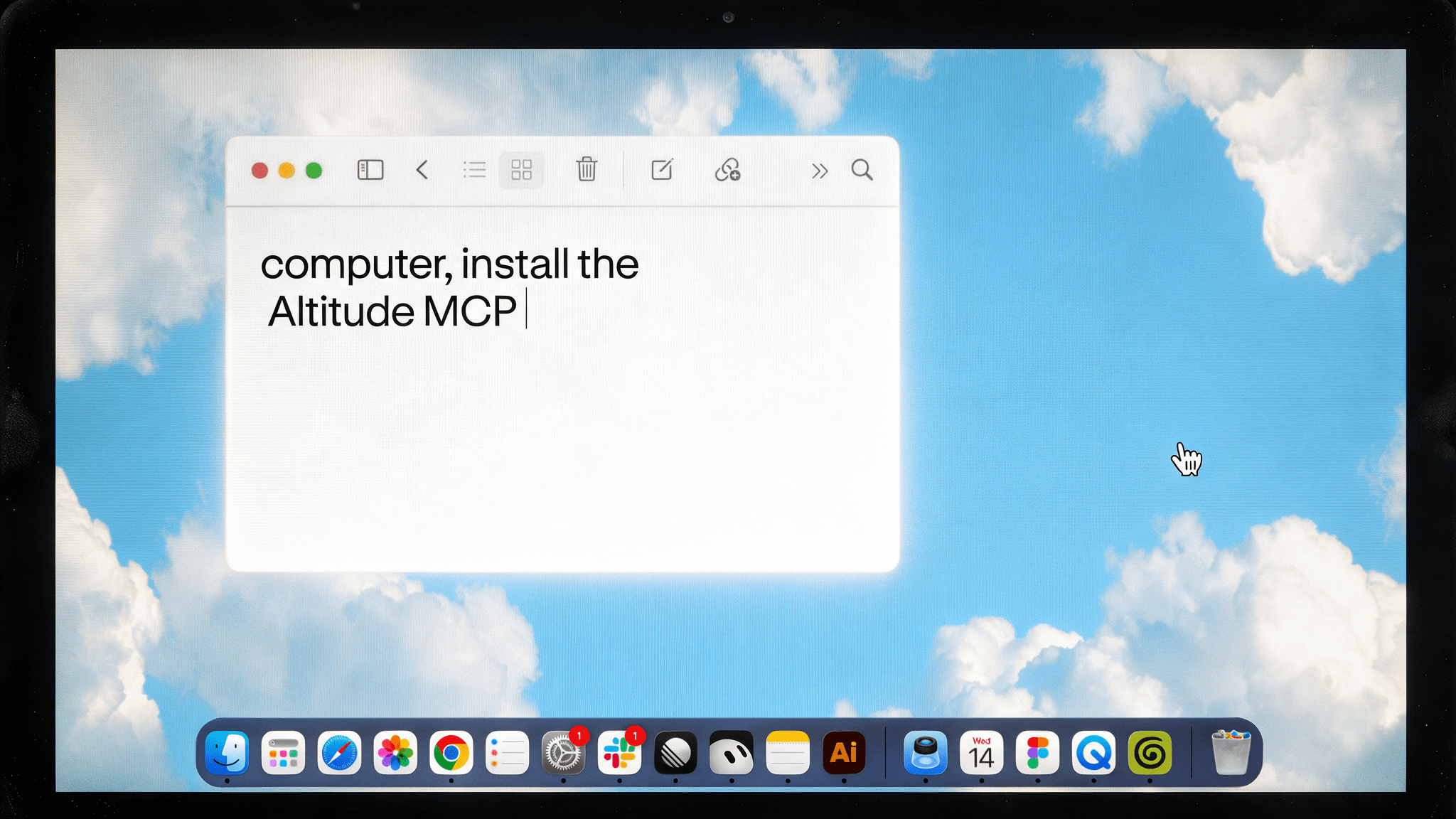
Get a clearer view of your finances
Access your Altitude data directly through your AI agent and combine it with information from your other connected tools. Try these prompts:
- Prepare for a vendor renewal: “Compare payments to this vendor in Altitude with the contract in Google Drive. Flag differences between the charges and agreed terms.”
- Check upcoming funding needs: “Compare our payment schedule in Google Sheets with our Altitude balances by currency. Identify potential funding gaps and distinguish spendable funds from pending amounts.”
- Build your weekly finance update: “Use our Altitude transactions and the team updates in Notion to draft a finance summary, linking each figure to its supporting records.”
- Find a payment for an invoice: “Read this supplier invoice in my email and find possible matching transactions in Altitude. Show the amounts, dates, and references for me to verify.”
- Investigate a change in spending: “Compare this month’s outgoing Altitude transactions with last month’s, then check our budget in Google Sheets. Highlight the biggest changes, keeping currencies separate and excluding internal transfers.”
Specify a workspace, account, and time period to focus the results.
Connect on your terms
MCP connects AI agents to external tools and data. Follow the setup guide for your supported agent, sign in to Altitude, and authorize the connection.
Your existing Altitude workspace and account permissions apply. This release is read-only: your agent can retrieve supported financial information, while payments, approvals, and account changes stay in Altitude.
Requested data is shared with your connected AI provider, so choose a tool that meets your company’s financial data policies.
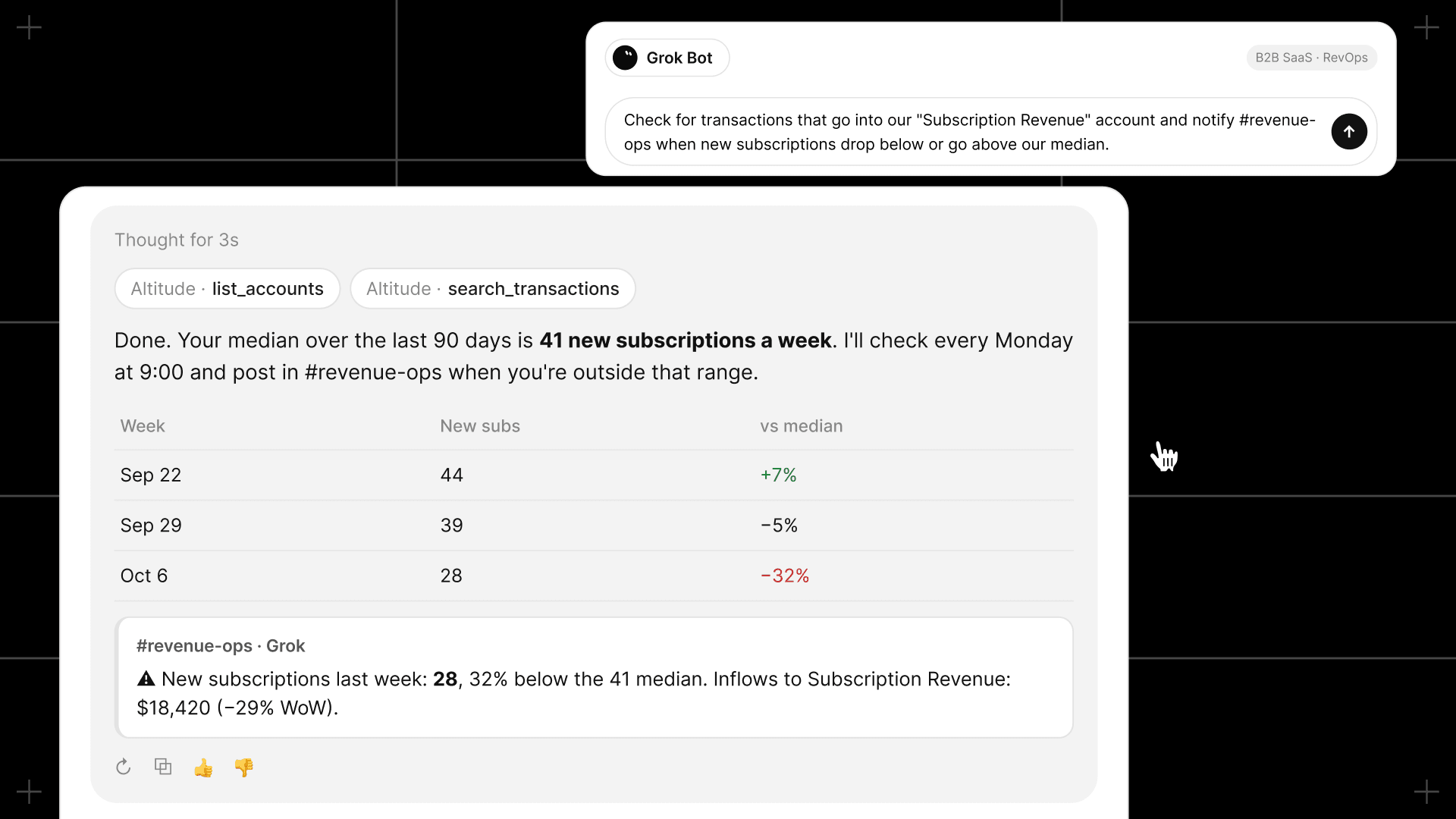
Where we’re headed
Our vision is to let you run your Altitude account through the AI agent you choose, with your business’s permissions and approval rules governing the work. Our roadmap has three steps:
- Access your finances: Altitude MCP starts here. Ask questions, check balances, and review transactions.
- Delegate financial tasks. Expand into preparing invoices, organizing bills, and proposing transactions for review.
- Connect the business context. Give your agent the information to recognize what needs doing and prepare the next step.
We’re building a financial system where your agent understands your business and helps carry the work forward.