

 Startups
  Creative agencies
  Onchain teams
  European businesses
  AI
AI  Software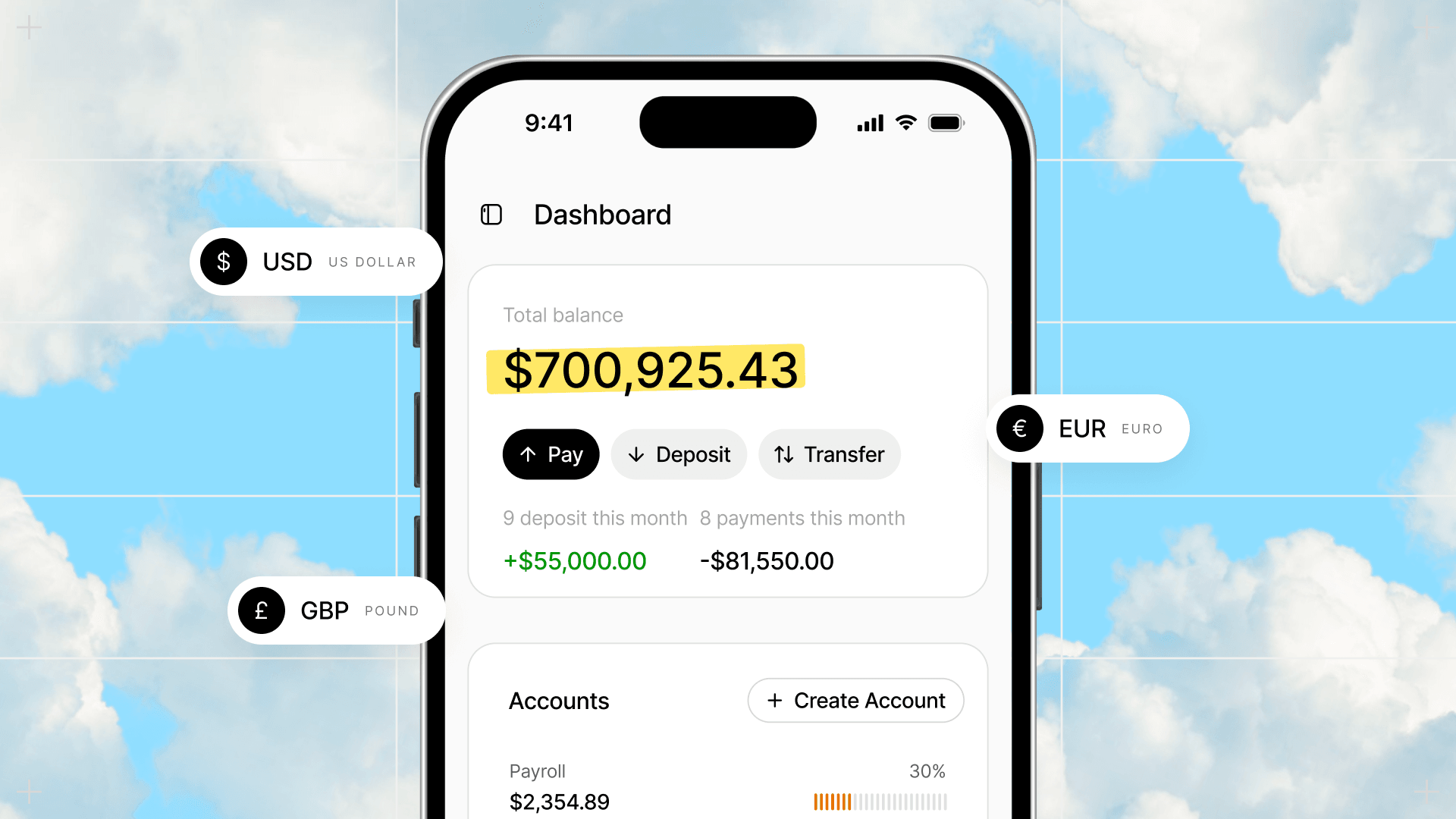
Check balances, make payments, manage cards and more - all from your phone's browser.
Until now, Altitude needed a laptop. On a phone, you saw a "Your window is too small" message instead of your account.
Now you can access Altitude from your phone's browser, with nothing to install.
Your workspace, permissions, and approval settings carry over.
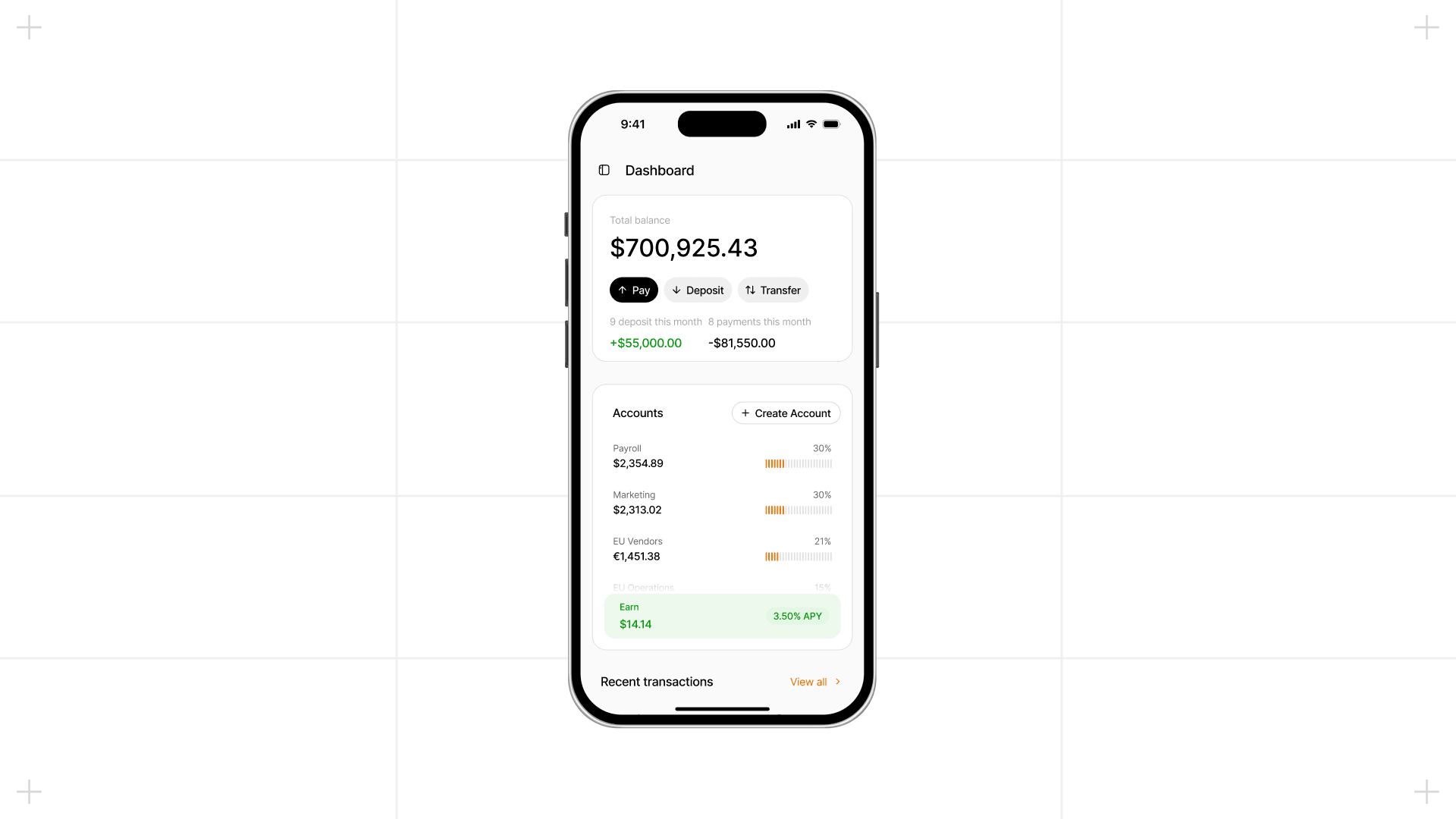
What works on your phone
Here's what you can do:
- Check accounts and deposits: View balances, review transaction activity, and find deposit information.
- Make payments: Pay vendors and manage transfers.
- Manage cards: Access your Altitude cards and card details.
- Access invoices, Earn, and settings: Open invoices, Earn, and your account settings, and check your inbox.
Altitude on mobile doesn't do everything desktop does yet, and some longer workflows are still easier on desktop.
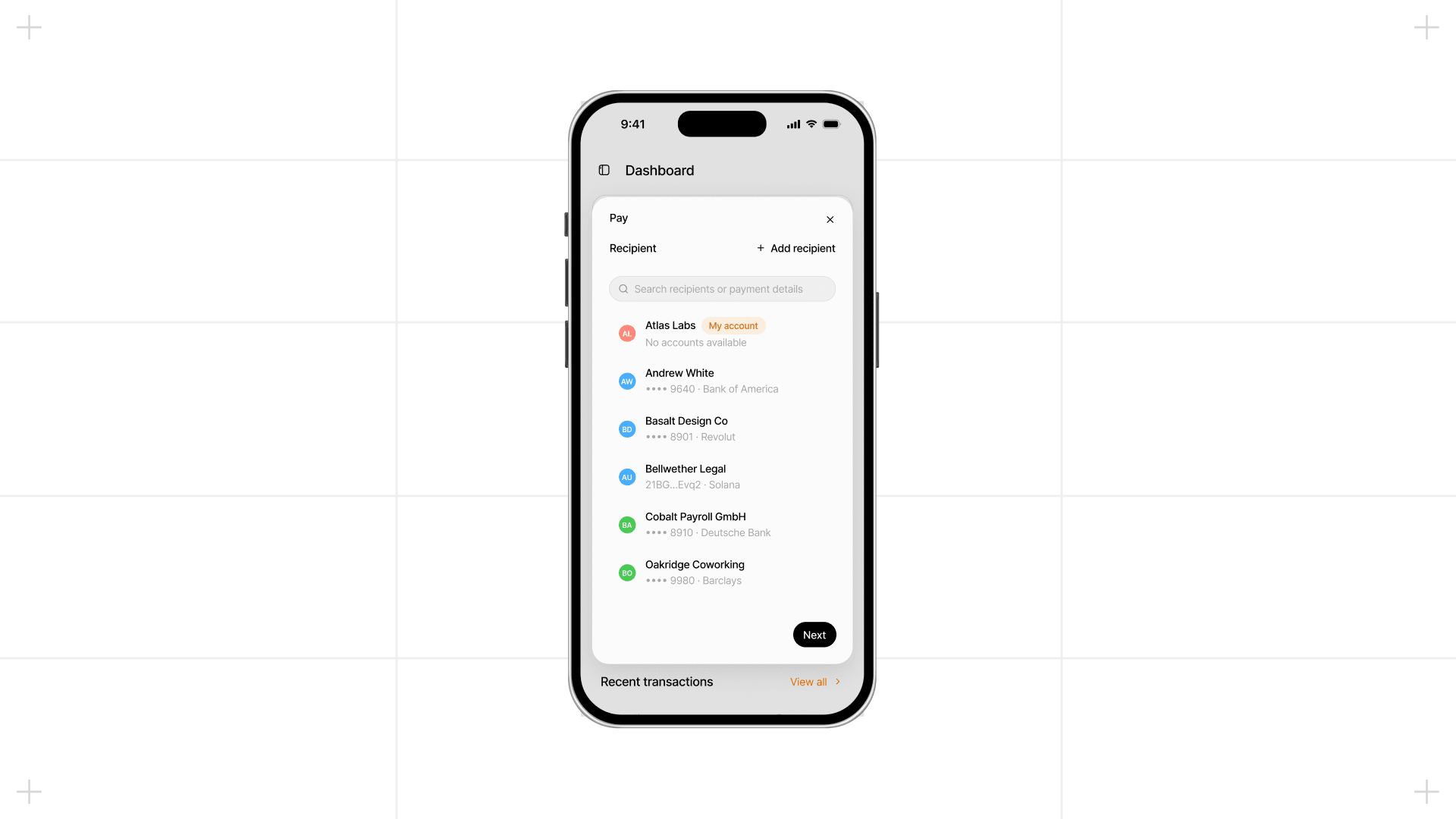
Get started on your phone
Go to https://app.altitude.xyz/ in Safari or Chrome on your phone and sign in. You can switch between desktop and mobile on the same account.
To sign transactions on your phone, you need a passkey that's available on that device, for example one synced through iCloud Keychain or Google Password Manager. Support for passkeys saved only on your computer is coming in the next few days.
Tip: add Altitude to your home screen. On iPhone, tap Share, then Add to Home Screen. On Android, open your browser menu, then tap Add to Home screen.